No company paid to be on this list. Prices were checked on November 17, 2026 and can change. How we make money.
At a glance
| # | Product | Best for | Starting price | Free option |
|---|---|---|---|---|
| 1 | Free, open source blocking on Firefox | Free | Free (open source) | |
| 2 | Blocking ads in apps as well as browsers | Free | Free extension; 14-day app trial | |
| 3 | Free blocking plus cookie pop-up handling | Free | Free (open source) | |
| 4 | A familiar blocker on almost any browser | Free | Free (Premium optional) | |
| 5 | Easy setup with an optional VPN | Free | Free (Premium optional) | |
| 6 | Safari on iPhone, iPad and Mac | See site | Free download |
The list
 uBlock Origin
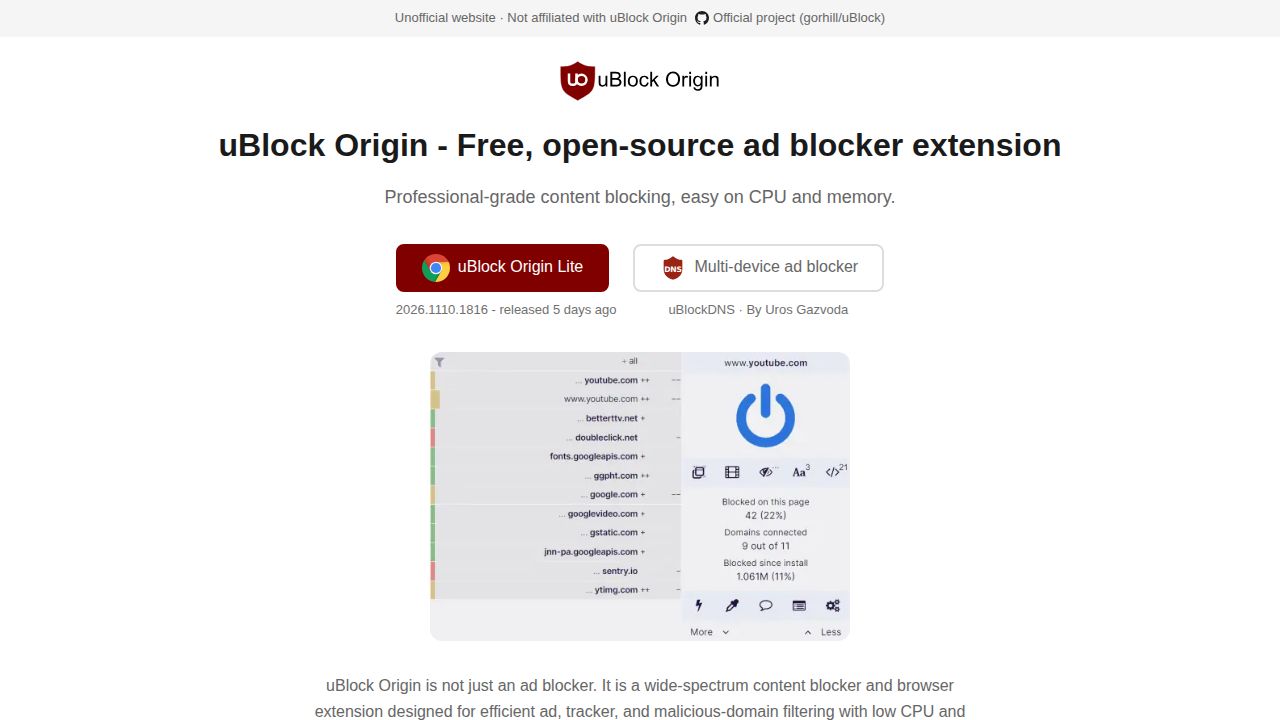
Best for free, open source blocking on Firefox uBlock Origin blocks ads, trackers and pop-ups using community filter lists, and it is completely free with no paid tier and no donations. The full version is best supported on Firefox for desktop and Android. On Chrome, Edge and Safari, the lighter uBlock Origin Lite is the option.
What stands out
- Free and open source, with no donations accepted
- Full version works on Firefox for desktop and Android
- uBlock Origin Lite is available for Chrome, Edge, Firefox and Safari
- Per-site controls, custom filters and an element picker
Keep in mind
- Full uBlock Origin is not available in current Chrome or Safari
- Lite may be less effective on sites that fight ad blockers
- Does not filter ads inside the YouTube or Twitch apps
 AdGuard
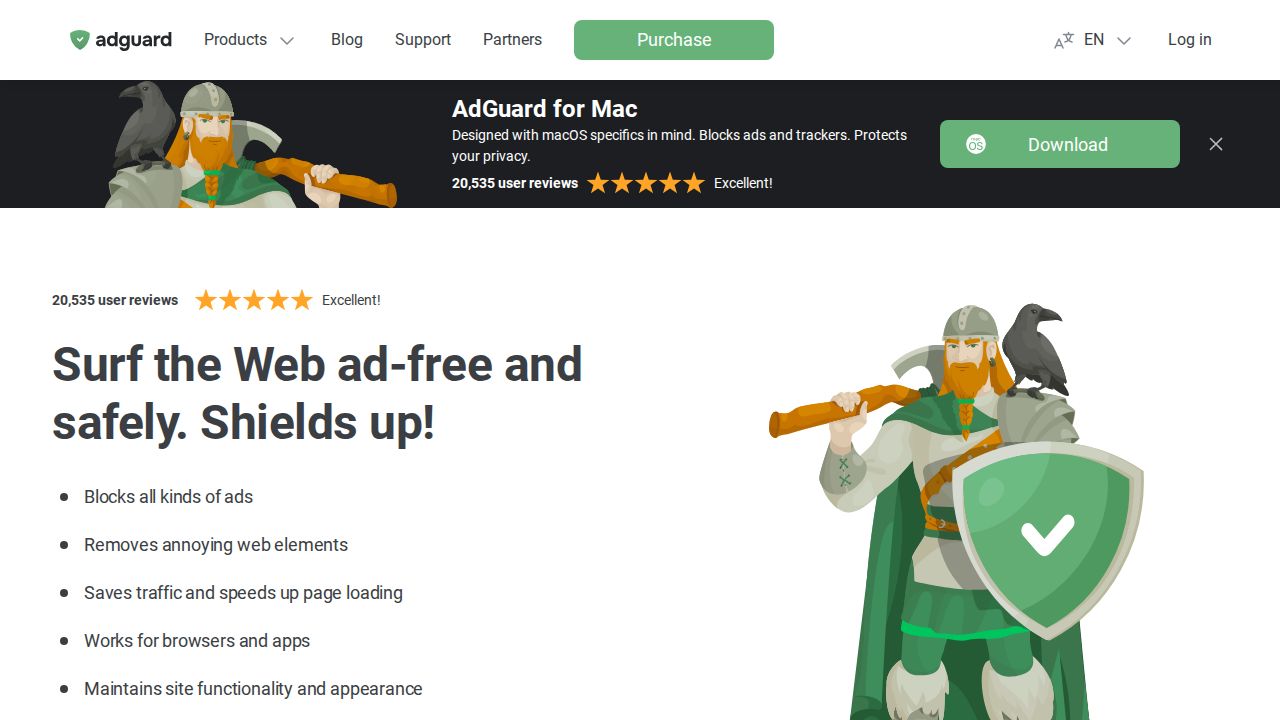
Best for blocking ads in apps as well as browsers AdGuard has two layers. The browser extension is free and open source. The paid standalone apps for Windows, Mac and Android go further and block ads and trackers in other apps too. A Personal license covers 3 devices and a Family license covers 9.
What stands out
- Free browser extension for Chrome, Firefox, Edge and Opera
- Standalone apps block ads in browsers and apps on Windows, Mac and Android
- Personal license covers 3 devices; Family covers 9
- 14-day trial on Windows, Mac and Android apps, plus a 30-day money-back guarantee
Keep in mind
- License prices were not shown on the license page when we checked
- The Android app is installed from AdGuard's site, not Google Play
- On iOS, free blocking covers Safari only
 Ghostery
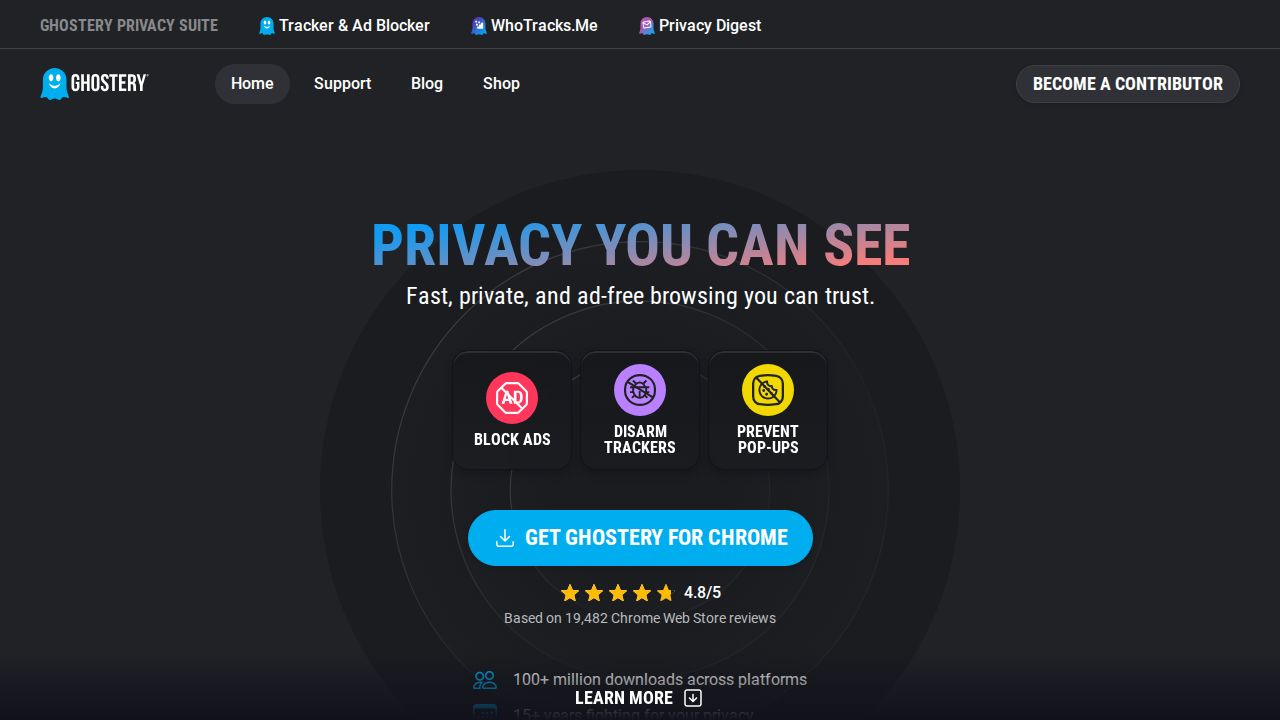
Best for free blocking plus cookie pop-up handling Ghostery states that all of its features are free, with no subscription. It combines ad blocking and anti-tracking with Never-Consent, which automatically rejects tracking cookies on consent pop-ups. It supports more browsers than most, including Safari and Brave.
What stands out
- All features are free to use
- Open source
- Works on Chrome, Firefox, Safari, Edge, Opera and Brave
- Never-Consent rejects tracking cookies automatically
Keep in mind
- Mobile availability depends on your browser and device
- Works in the browser only, not in other apps
 Adblock Plus
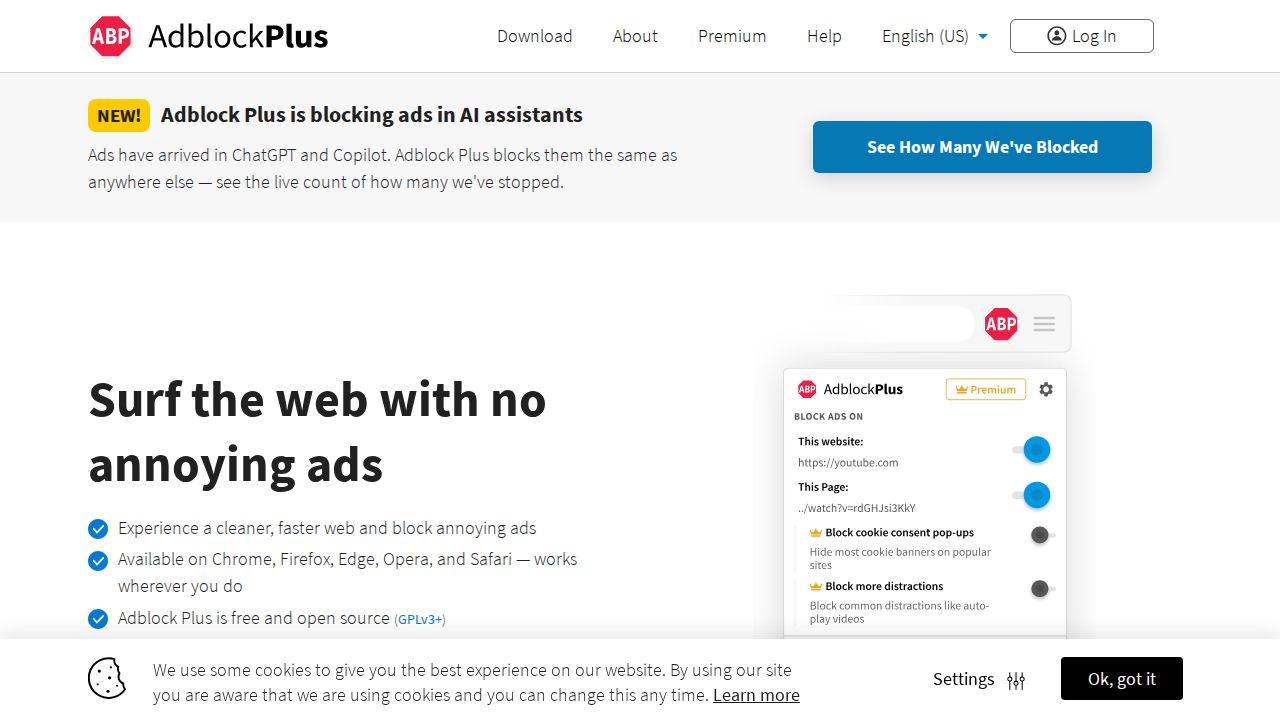
Best for a familiar blocker on almost any browser Adblock Plus is free and open source, with versions for Chrome, Firefox, Edge, Opera and Safari, plus mobile options for iOS, Android and Samsung Internet. It allows Acceptable Ads by default, so some non-intrusive ads still appear unless you switch that setting off.
What stands out
- Free and open source
- Desktop support for Chrome, Firefox, Edge, Opera and Safari
- Mobile options for Safari on iOS, Android and Samsung Internet
- Acceptable Ads can be turned off in two clicks
Keep in mind
- Acceptable Ads is on by default
- Cookie pop-up blocking and Distraction Control need Premium
- The Premium page showed conflicting prices when we checked, so confirm at checkout
 AdBlock
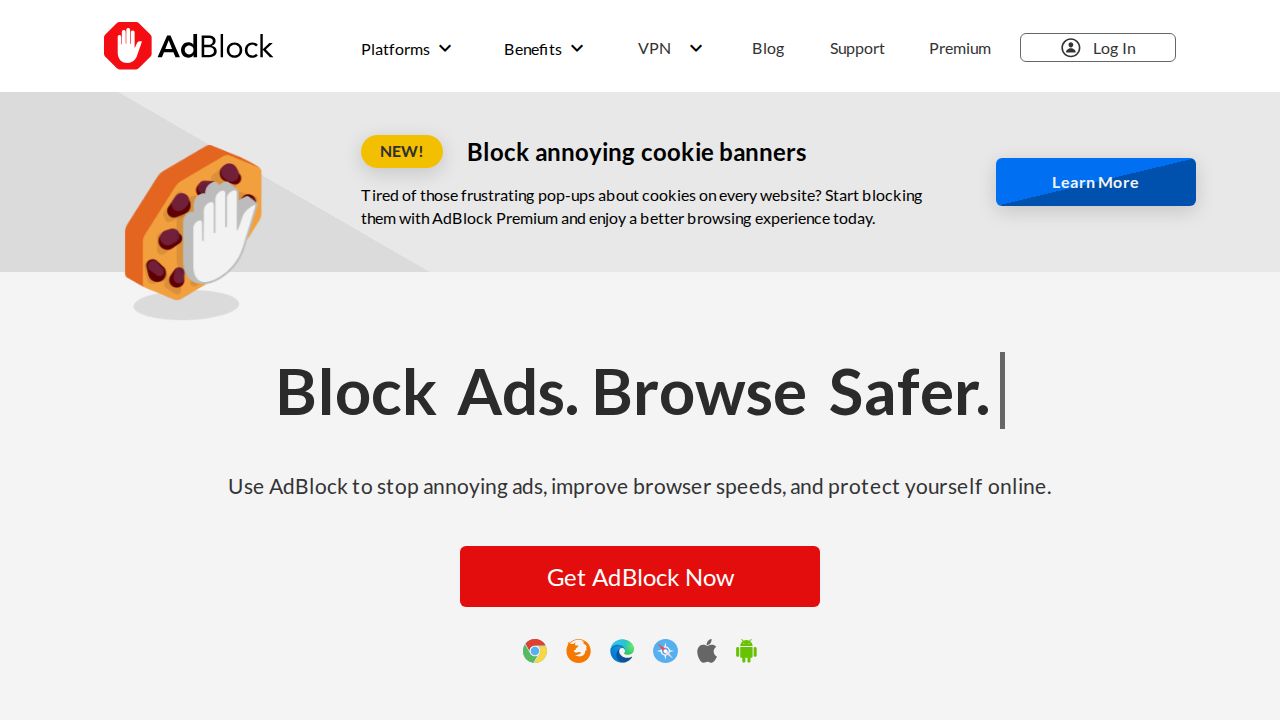
Best for easy setup with an optional VPN AdBlock is a free, open source extension for Chrome, Firefox, Edge and Safari, with iOS and Android versions. It needs no setup and works with Chrome's Manifest V3. The paid Premium tier adds cookie pop-up blocking, Distraction Control and a VPN for up to 6 devices.
What stands out
- Core ad blocking is free with no subscription
- Available for Chrome, Firefox, Edge, Safari, iOS and Android
- Premium costs $4 a month or $40 a year
- Premium includes a VPN for up to 6 devices
Keep in mind
- Acceptable Ads are shown by default until you change the setting
- Cookie banner blocking needs Premium
 1Blocker
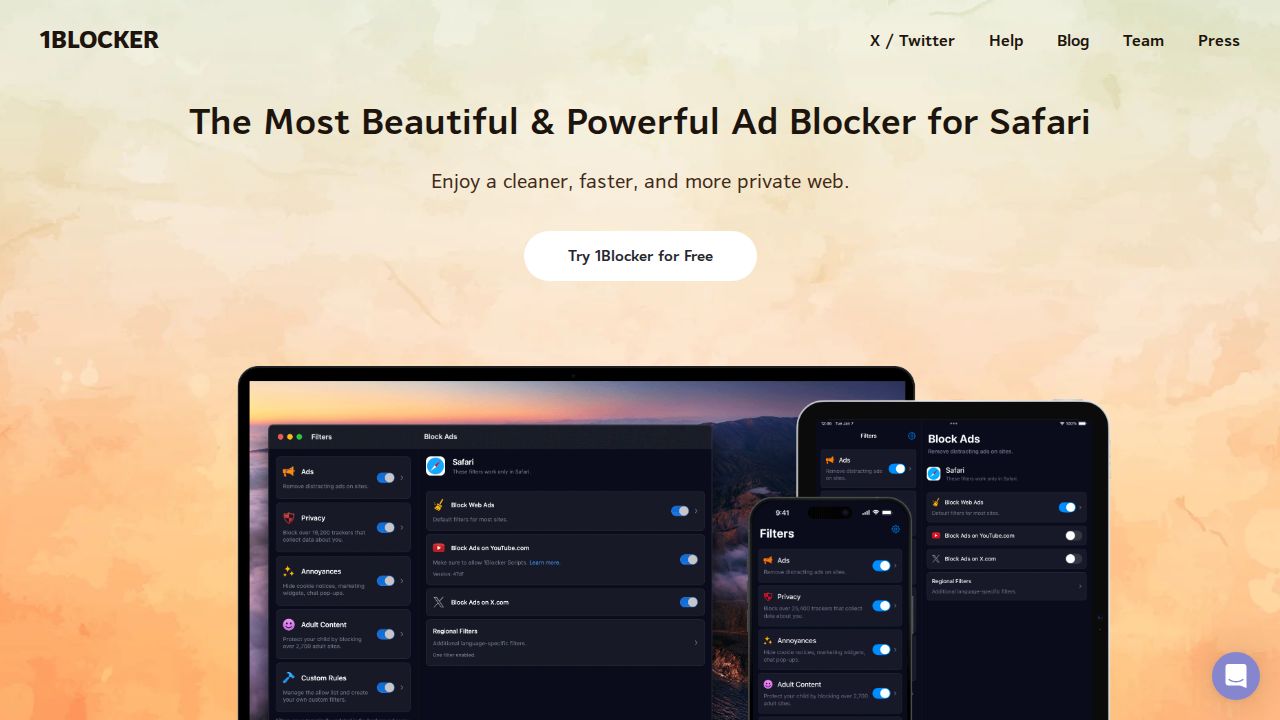
Best for safari on iPhone, iPad and Mac 1Blocker is built for Safari on Apple devices: iPhone, iPad, Mac and Apple Vision Pro. It is a free download on the App Store and blocks ads, trackers, cookie notices and other annoyances. It supports Family Sharing, so one purchase can cover a household.
What stands out
- Designed for Safari on iPhone, iPad and Mac
- Free to download on the App Store
- Blocks cookie notices and chat pop-ups as well as ads
- Supports Universal Purchase and Family Sharing
Keep in mind
- Apple devices only
- In-app purchase pricing is not listed on the website
How we chose
We compared what each developer publishes about its blocker on four things:
- Cost. Whether core ad blocking is free, and what a paid tier adds.
- Browser and device support. Chrome, Firefox, Safari, Edge, iPhone and Android.
- Default behavior. Whether some ads are allowed through unless you change a setting.
- Openness. Whether the code is open source.
This list is based on published features and pricing, not lab testing, so we make no claims about blocking rates. Where a price was not published on the day we checked, we say “See site” instead of guessing.
Which ad blocker fits your browser?
- Firefox (desktop or Android): uBlock Origin in its full version.
- Chrome or Edge: uBlock Origin Lite, Ghostery, AdBlock or the AdGuard extension.
- Safari on iPhone, iPad or Mac: 1Blocker, Ghostery or Adblock Plus for Safari.
- Ads in apps, not just websites: AdGuard’s standalone apps.
Tips for using an ad blocker
- Install only one blocker per browser. Running two can slow pages and cause conflicts.
- Download from the developer’s own site or your browser’s official extension store. Copycat extensions exist.
- If you use Adblock Plus or AdBlock and want no ads at all, turn off Acceptable Ads in settings.
- Add sites you want to support to the allow list.
- If a page breaks, pause the blocker for that site and reload.
- Keep the extension and its filter lists updated, since sites change how they serve ads.
Frequently asked questions
Are ad blockers free?
The basic versions of all six on this list are free. Paid tiers add extras, such as AdBlock Premium's VPN or AdGuard's standalone apps that filter ads in other apps.
Does uBlock Origin still work on Chrome?
Not the full version. The uBlock Origin site says current Chrome no longer supports it and points Chrome users to uBlock Origin Lite. The full version is best supported on Firefox.
What are Acceptable Ads?
They are ads judged non-intrusive that some blockers allow through by default. Adblock Plus and AdBlock both have this on by default and let you turn it off in settings.
Which ad blocker works on an iPhone?
1Blocker is made for Safari on iPhone and iPad. AdGuard's free iOS version blocks ads and trackers in Safari, and Adblock Plus has a Safari version for iOS.
Can an ad blocker stop ads inside apps?
Browser extensions cannot. AdGuard's standalone apps for Windows, Mac and Android are described as blocking ads in browsers and other apps.
Sources
How we wrote this
This list is based on each company's published plans, prices and feature pages, not on hands-on lab testing. Facts were last checked on November 17, 2026. See our editorial policy.