No company paid to be on this list. Prices were checked on November 17, 2026 and can change. How we make money.
At a glance
| # | Product | Best for | Starting price | Free option |
|---|---|---|---|---|
| 1 | The fullest paid feature set | $17.99/yr | 14-day trial | |
| 2 | Scam text and Wi-Fi warnings | $19.99/yr | 60-day money-back | |
| 3 | A capable free app | Free | Free plan | |
| 4 | Trying premium features for 30 days | Free | Free plan | |
| 5 | Free app lock and privacy tools | Free | Free plan | |
| 6 | One plan for a phone and computers | $29.99/yr | 60-day money-back | |
| 7 | Free scans with photo vaults | Free | Free plan |
The list
 Bitdefender Mobile Security
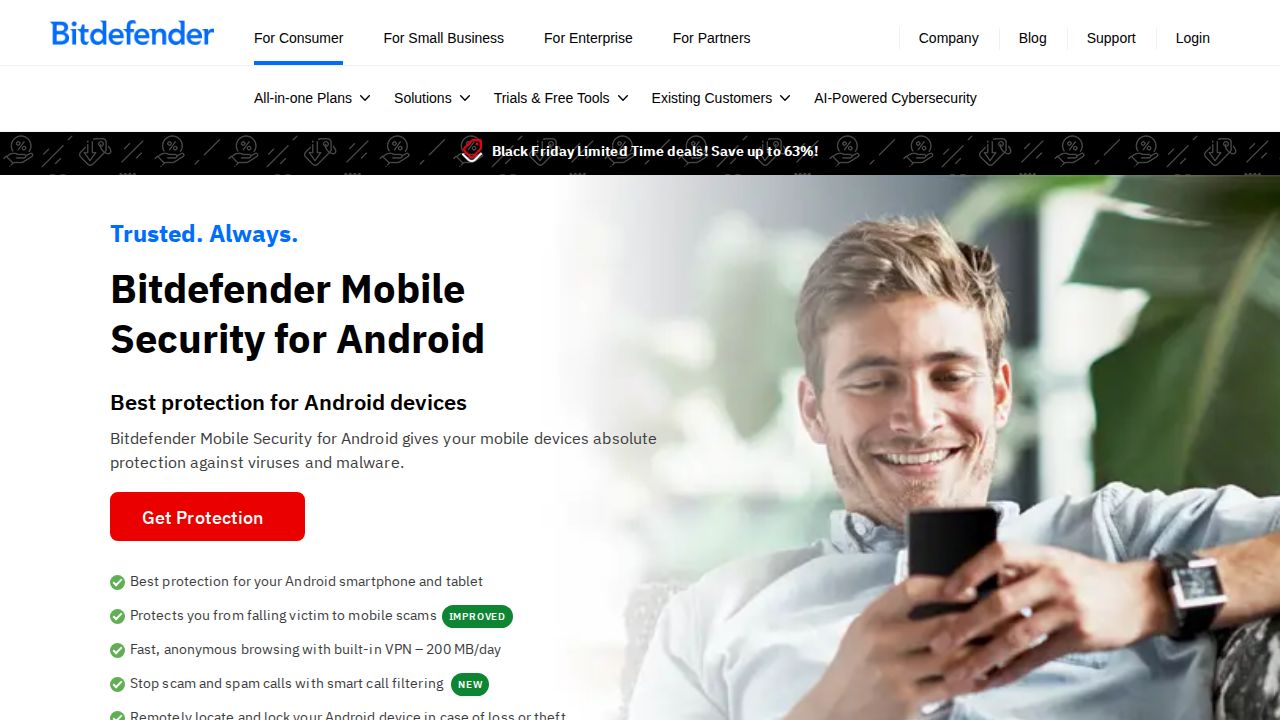
Best for the fullest paid feature set Bitdefender Mobile Security packs the most into a low-priced Android app. For $17.99 in the first year it lists App Anomaly Detection, scam and web protection, App Lock, Anti-Theft and a data breach check. The 14-day trial needs no credit card. It runs on Android 7.0 or later.
What stands out
- $17.99 for the first year, billed annually
- App Anomaly Detection, Scam Protection and Web Protection
- App Lock, Anti-Theft and Account Privacy breach checks
- 14-day free trial with no credit card required
- Runs on Android 7.0 or later
Keep in mind
- Included VPN is limited to 200 MB a day
- No renewal price is shown, and the terms say it may be higher
- No free version of this app is described on the page
 Norton Mobile Security
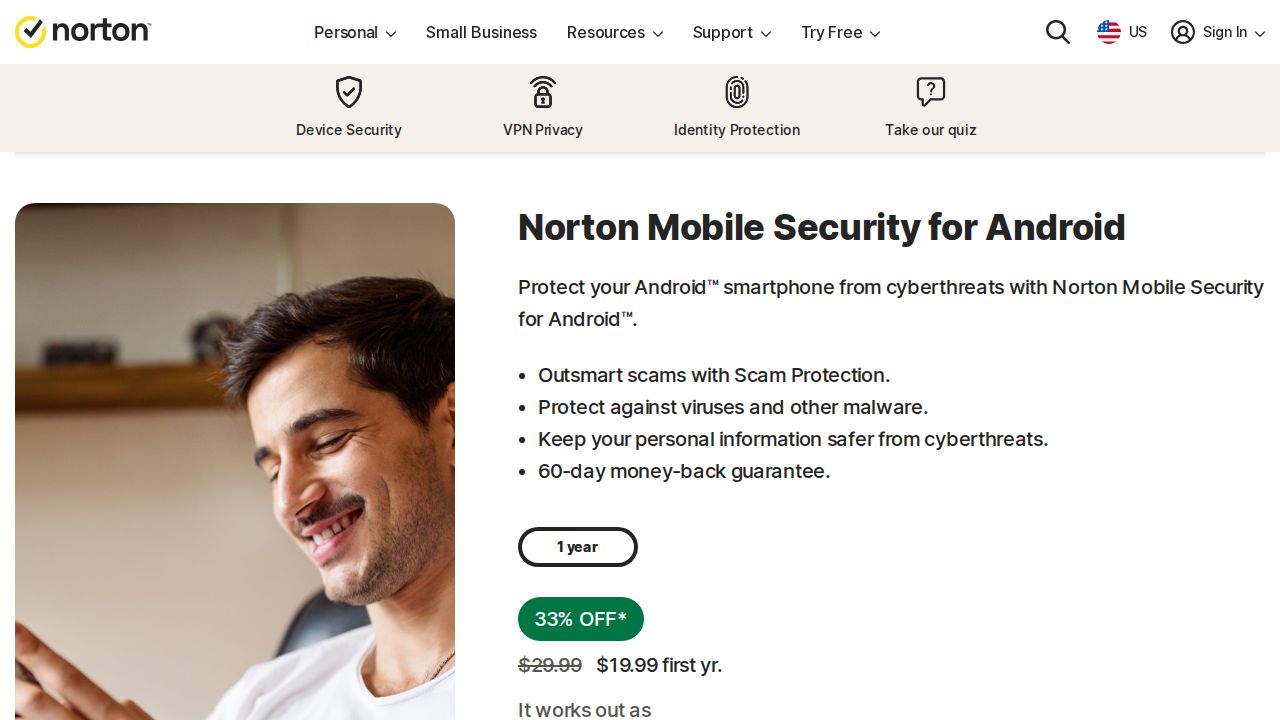
Best for scam text and Wi-Fi warnings Norton Mobile Security focuses on the threats phone users meet most. Safe SMS filters spam texts, Scam Protection uses AI to flag scams, App Advisor checks apps before you download them from Google Play, and Wi-Fi Security warns about risky networks. It costs $19.99 for the first year for one device.
What stands out
- $19.99 for the first year for 1 mobile device
- App Advisor scans apps before you download them from Google Play
- Safe SMS, Safe Web and Wi-Fi Security alerts
- 60-day money-back guarantee
Keep in mind
- Renews at $29.99 a year
- Requires Android 10.0 or later
- No VPN included; that needs the Mobile Security + VPN upgrade
 Avast Mobile Security
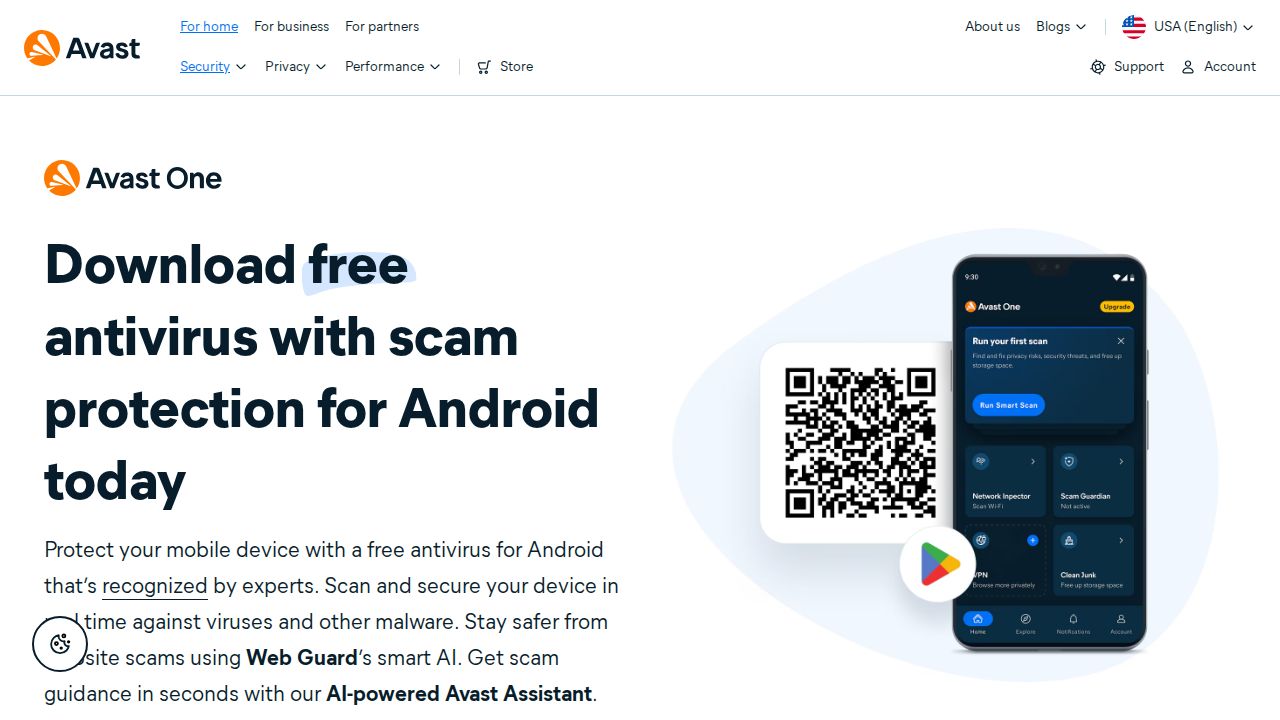
Best for a capable free app Avast Mobile Security is the free app to start with. The free version lists real-time scanning, Smart Scan, Web Guard against phishing links, a Wi-Fi security check, a storage cleaner and email breach alerts. App locking and a VPN are paid upgrades inside the app. It needs Android 8.0 or higher.
What stands out
- Free real-time scanning and Smart Scan
- Web Guard blocks phishing links and unsafe websites
- Wi-Fi check and email breach alerts
- Locks up to 10 photos behind a PIN or fingerprint
Keep in mind
- App Locking and a VPN need Premium Security or Avast Ultimate
- The page does not state the price of the paid tiers
- The page is unclear on whether scam call and SMS blocking is free
 ESET Mobile Security
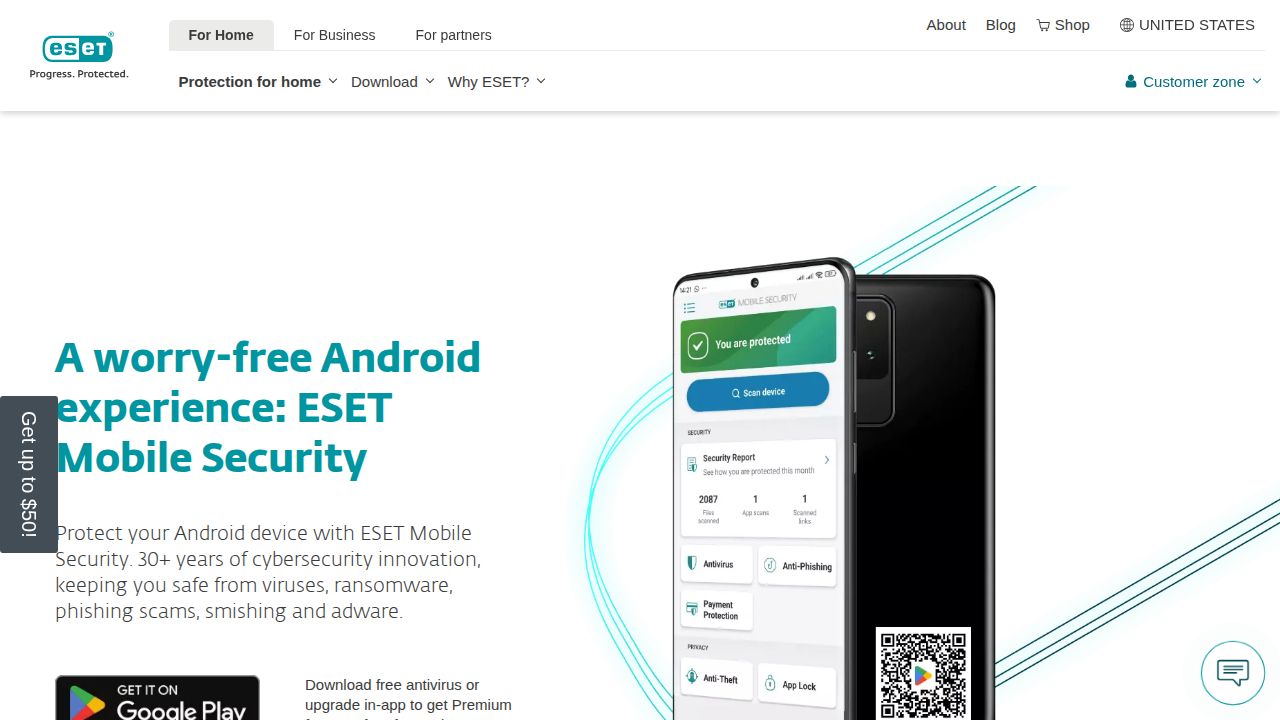
Best for trying premium features for 30 days ESET Mobile Security splits cleanly into free and paid. The free version gives basic antivirus with real-time scanning. Premium adds Anti-Phishing and Anti-Smishing, Payment Protection, App Lock, Proactive Anti-Theft and a Call Filter, and you can use those free for 30 days by upgrading in the app.
What stands out
- Free antivirus with real-time scanning
- Premium features free for 30 days after an in-app upgrade
- Premium adds Anti-Phishing, Payment Protection, App Lock and Anti-Theft
- Scheduled Scanning and Security Audit in Premium
Keep in mind
- The Premium price is not listed on the page
- Requires Android 9.0 or higher and a 64-bit processor
- Rooted devices are not supported
 Avira Antivirus Security
Best for free app lock and privacy tools Avira gives away features that others charge for. The free Android app lists antivirus, AppLock with a PIN, a Permissions Manager that rates apps by the data they collect, a Network Scanner, breach alerts for your email and a small VPN allowance. Web protection against phishing sites is kept for the Pro version.
What stands out
- Free antivirus protection, including against ransomware
- AppLock and Permissions Manager in the free version
- Identity Safeguard alerts you if your email appears in a breach
- Free VPN with 100 MB a day
Keep in mind
- Web protection, camera protection and microphone protection need Pro
- Pro is an in-app purchase and the page does not show its price
- The page does not state a minimum Android version
 Malwarebytes
Best for one plan for a phone and computers Malwarebytes is worth a look if you want the same subscription on your phone and computers. Premium Security Standard covers 3 devices across Android, iOS, Windows and Mac for $29.99 in the first year. The Android app lists malware scanning, SMS and web protection, and Scam Guard, an AI chat for checking suspicious messages.
What stands out
- Standard plan covers 3 devices across Android, iOS, Windows and Mac
- Scam Guard gives advice on suspicious texts, links and screenshots
- Malware scanning, SMS protection and web protection
- 60-day money-back guarantee
Keep in mind
- The $29.99 price is a first-year sale rate; the regular price is $59.99 a year
- The Android page does not say which features are free and which are paid
- A VPN needs the Plus plan, $39.99 for the first year
 AVG AntiVirus
Best for free scans with photo vaults AVG AntiVirus for Android is another free option with the basics covered. The free app lists virus scans, malware removal, Wi-Fi security checks, junk file cleaning and password-protected photo vaults. Paying adds app locking, advanced scam alerts for SMS, email and chat apps, a VPN and automatic scans.
What stands out
- Free virus scans and malware removal
- Wi-Fi security checks and junk file cleaning
- Password-protected photo vaults
- Blocks scam links and dangerous downloads
Keep in mind
- App lock, automatic scans and the VPN need the paid version
- The page does not state the price of the paid version
- Requires Android 8.0 or above
How we chose
We read each company’s Android product page and compared four things:
- What the free version includes. Real-time scanning, web protection and app locking are the usual dividing lines.
- Paid price. The first-year price and the renewal price, where the page states them.
- Phone-specific protection. Scam text filtering, phishing link blocking, Wi-Fi warnings and anti-theft.
- Android version and trial terms. The oldest Android version supported and whether you can try paid features first.
This list is based on published features and pricing, not lab testing. We did not measure detection rates or battery use. Where a company’s page did not show a fixed price on the day we checked, we say so, and “See site” is used where no price could be confirmed.
Free or paid: which do you need?
A free app is enough if you mainly want an on-demand malware scan and warnings about unsafe Wi-Fi.
Consider paying when you want one or more of these:
- Blocking of phishing links in texts, email and chat apps
- App locking with a PIN or fingerprint (free in Avira, paid in most others)
- Anti-theft tools to locate or lock a lost phone
- One subscription shared with your computer
How to install a security app safely
- Install from Google Play, using the link on the company’s own website to avoid copycat apps.
- Grant only the permissions the app explains. Web protection often needs the Accessibility service.
- Run a first full scan, then turn on real-time protection.
- If you start a trial, note the end date and how the upgrade is billed.
- Keep one security app, not several. Running two can cause duplicate alerts and slow the phone.
Frequently asked questions
Do Android phones need an antivirus app?
Not everyone does, but security apps add protections such as phishing link blocking, scam text filtering, Wi-Fi warnings and anti-theft tools. They are most useful if you install apps from outside Google Play or tap a lot of links in texts.
What is the best free antivirus for Android?
Avast Mobile Security has the longest published free feature list here, including real-time scanning, Web Guard and a Wi-Fi check. Avira's free app adds AppLock and a Permissions Manager, and ESET and AVG also have free versions.
How much do paid Android antivirus apps cost?
Bitdefender Mobile Security is $17.99 for the first year and Norton Mobile Security is $19.99, renewing at $29.99. Malwarebytes Standard is $29.99 for the first year but covers 3 devices. The others sell upgrades in the app without a published price.
Do these apps include a VPN?
Some do, with limits. Bitdefender includes 200 MB a day and Avira's free app 100 MB a day. Norton, Avast, AVG and Malwarebytes offer a VPN only on a higher plan or paid upgrade.
Which app works on older Android phones?
Bitdefender lists Android 7.0 or later, and Avast and AVG list Android 8.0. ESET needs Android 9.0 and Norton needs Android 10.0.
Sources
How we wrote this
This list is based on each company's published plans, prices and feature pages, not on hands-on lab testing. Facts were last checked on November 17, 2026. See our editorial policy.