No company paid to be on this list. Prices were checked on November 17, 2026 and can change. How we make money.
At a glance
| # | Product | Best for | Starting price | Free option |
|---|---|---|---|---|
| 1 | Unlimited backup with little setup | $9/mo | Free trial | |
| 2 | Backing up several computers on one plan | $6.99/mo | Free plan (10 GB) | |
| 3 | Unlimited backup for a single computer | $6.00/mo | 15-day trial | |
| 4 | Full disk images plus malware protection | $51.09/yr | See site | |
| 5 | Five computers on one yearly plan | $69.99/yr | Free trial |
The list
 Backblaze
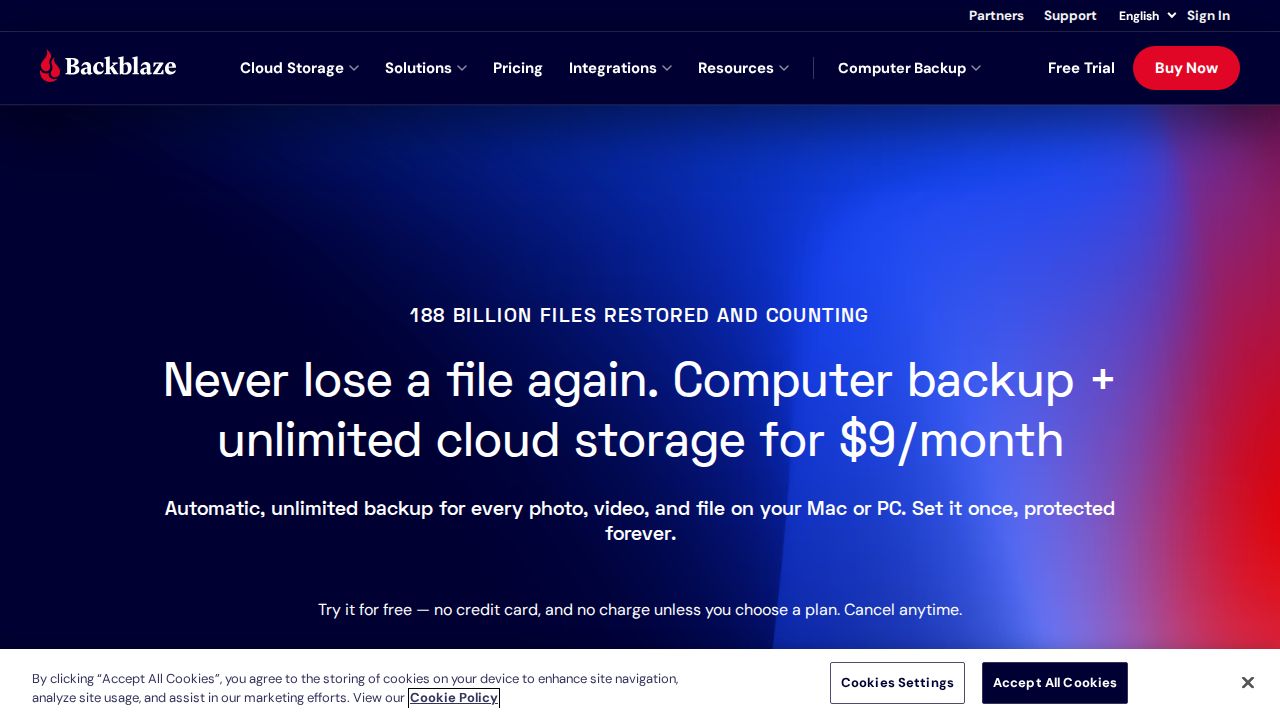
Best for unlimited backup with little setup Backblaze Personal Backup is the simple choice. It backs up your files and connected external drives automatically, with no storage limit and no file size limit, on Mac or Windows. You can restore by web download or have an encrypted USB drive mailed to you.
What stands out
- Unlimited storage with no file size limits
- $9 a month, $99 a year, or $189 for two years
- Backs up connected external drives
- Restore by web download or mailed USB drive (refunded if returned within 30 days)
- Free trial with no credit card required
Keep in mind
- Keeping file versions forever costs extra
- No free plan
- The site gives two different trial lengths (14 and 15 days)
 IDrive
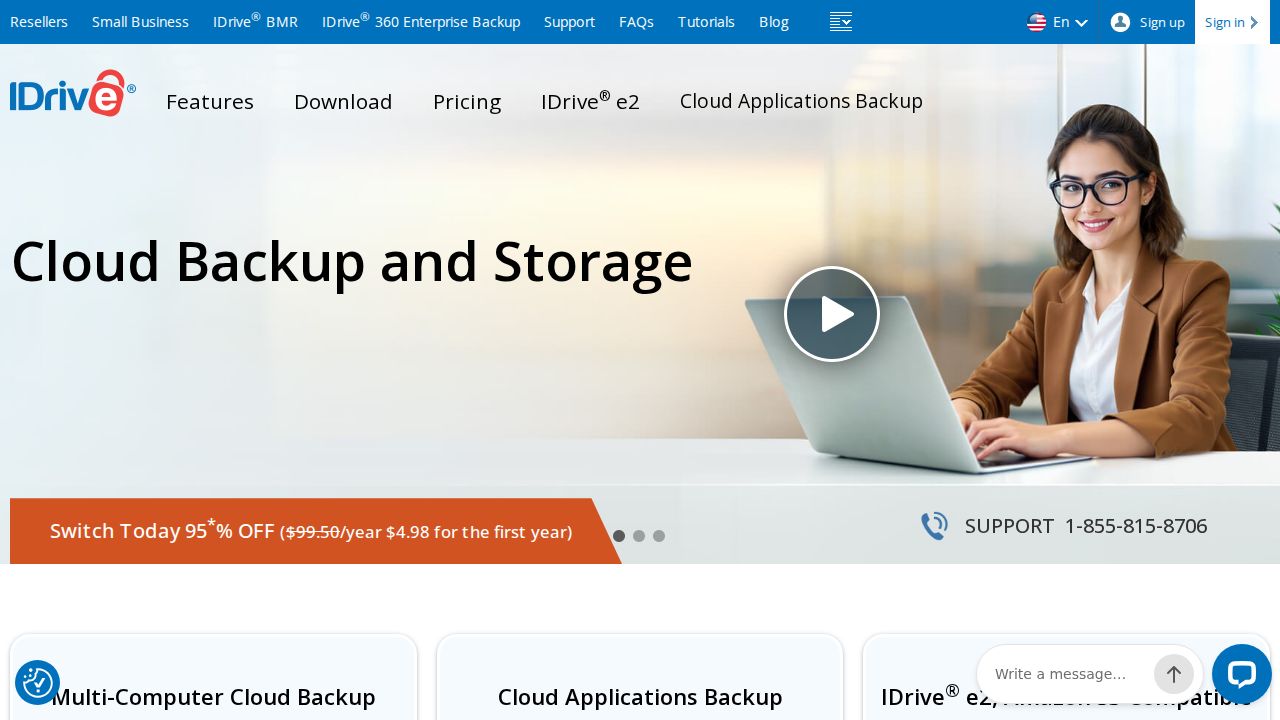
Best for backing up several computers on one plan IDrive suits households with more than one computer. The Personal plan covers one user with multiple computers and starts at 5 TB. A free Basic account with 10 GB lets you try it without a credit card. The first year is discounted, and the price rises after that.
What stands out
- Personal plan covers multiple computers for one user
- 5 TB on the entry Personal plan, with tiers up to 100 TB
- Free Basic plan with 10 GB, no credit card required
- Smaller Mini plans (100 GB and 500 GB) for one user
Keep in mind
- $6.99 a month is the first-year rate on yearly billing; it then renews at $9.99 a month
- Storage is capped, and going over may cost $0.25 per GB a month
 Carbonite
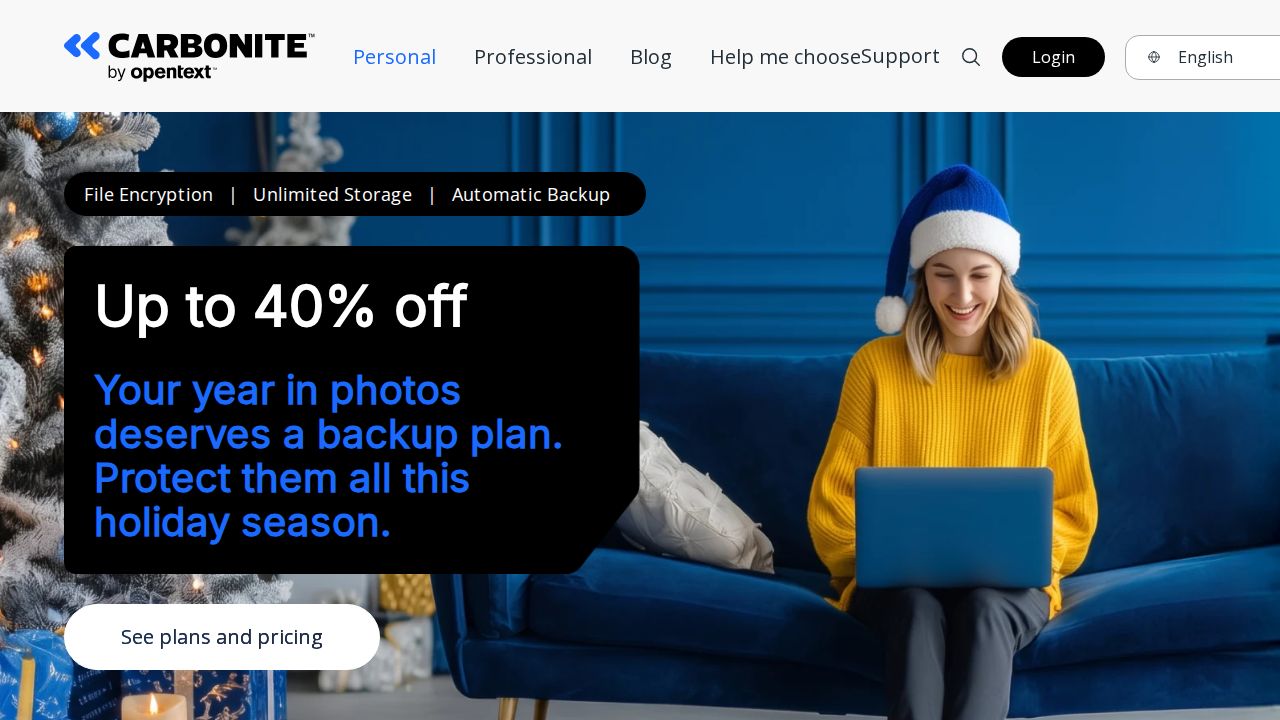
Best for unlimited backup for a single computer Carbonite Safe offers unlimited storage for one computer on every personal plan. Basic is the cheapest. Plus and Prime add external hard drive backup and automatic video backup. A 15-day free trial is available. All plans are billed annually.
What stands out
- Unlimited storage for one computer on every plan
- Basic is $6.00 a month, billed annually at $71.99
- Plus and Prime add external hard drive and automatic video backup
- 15-day free trial
Keep in mind
- Each plan covers only 1 computer
- Prices shown are a limited-time offer for new customers; Basic's listed regular price is $95.99 a year
- Automatic video backup is not part of Basic
 Acronis True Image
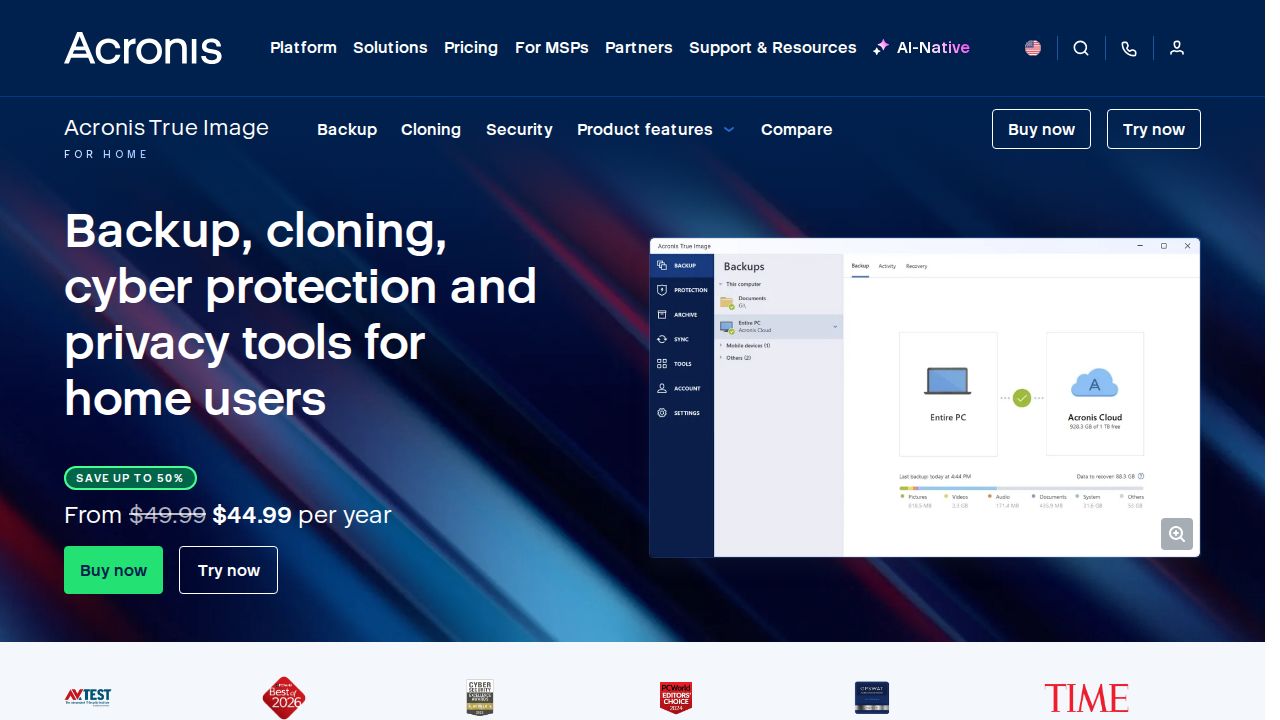
Best for full disk images plus malware protection Acronis True Image goes beyond file backup with disk cloning and universal restore, so you can recover a whole system. The Advanced plan adds 50 GB of cloud storage and malware protection, and Premium includes 1 TB. The cheapest Essentials plan has no cloud storage at all.
What stands out
- Disk cloning and universal restore on every plan
- Advanced includes 50 GB of cloud storage, upgradable to 250 GB or 500 GB
- Premium includes 1 TB, upgradable up to 10 TB
- Advanced and Premium add malware protection
Keep in mind
- $51.09 is a discounted first-year price for 1 computer; the list price is $72.99
- Essentials ($44.99 first year) includes no cloud storage
- No clear plan-wide free trial or money-back term on the pricing page
 Arq Premium
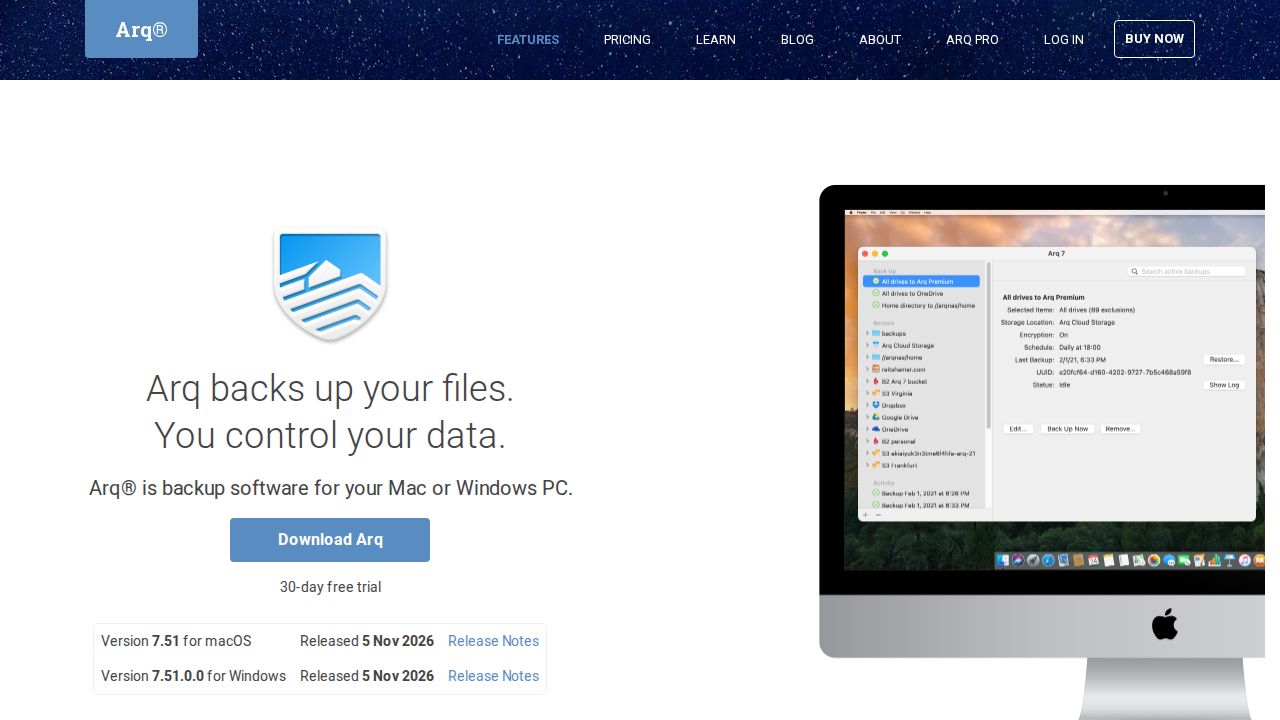
Best for five computers on one yearly plan Arq Premium covers 5 Mac or Windows computers for one yearly fee and includes 1 TB of storage, with extra space billed per GB. If you already pay for cloud storage elsewhere, the separate Arq 7 license is a one-time purchase that backs up to your own storage.
What stands out
- $69.99 a year covers 5 computers
- 1 TB of storage included
- Extra storage is $0.00699 per GB a month
- Arq 7 is a one-time $59.99 per computer if you bring your own storage
Keep in mind
- 1 TB is shared by all 5 computers
- Arq 7 does not include any storage
- The trial length is not stated on the pricing page
How we chose
We compared each company’s published home plans on four things:
- Storage limit. Unlimited, or a fixed amount you can outgrow.
- Computers covered. One computer per plan, or several.
- Yearly cost. Including the regular price when the first year is discounted.
- Recovery options. External drive backup, file versions and ways to get data back.
We did not run lab tests on these services. The list reflects published plans and pricing. Where a detail was not published on the day we checked, we say “See site” instead of guessing.
Unlimited or fixed storage?
- One computer with a lot of data: an unlimited plan (Backblaze or Carbonite) is simpler. You never have to watch a quota.
- Several computers with moderate data: a fixed pool that covers many machines (IDrive or Arq Premium) usually costs less than buying one plan per computer.
- You want a full system image: Acronis True Image includes disk cloning and universal restore.
How to set up a home backup
- Pick one service and install its app on each computer you want protected.
- Let the first backup finish. It can take days on a slow connection, so leave the computer on.
- Add external drives if the plan supports them.
- Restore one test file to confirm you know how recovery works.
- Keep a local copy too. An external drive plus a cloud backup protects against both hardware failure and theft or fire.
- Note your renewal date and the regular price, since several first-year prices here are discounts.
Frequently asked questions
What is the difference between cloud backup and cloud storage?
Cloud storage syncs a folder you choose. Cloud backup runs in the background and copies your computer's files so you can restore them after a crash, theft or accidental deletion.
Which cloud backup has unlimited storage?
Backblaze Personal Backup and Carbonite Safe both list unlimited storage. Carbonite's plans cover 1 computer each.
Is there a free cloud backup service?
IDrive Basic is free and includes 10 GB. Backblaze, Carbonite and Arq offer free trials instead.
Which service is best for more than one computer?
IDrive Personal covers multiple computers for one user starting at 5 TB, and Arq Premium covers 5 computers with 1 TB included.
How much does cloud backup cost per year?
Backblaze is $99 a year, Arq Premium is $69.99 a year, and Carbonite Basic is $71.99 for the first year. IDrive Personal 5 TB is $6.99 a month in the first year on yearly billing.
Sources
How we wrote this
This list is based on each company's published plans, prices and feature pages, not on hands-on lab testing. Facts were last checked on November 17, 2026. See our editorial policy.