No company paid to be on this list. Prices were checked on November 17, 2026 and can change. How we make money.
At a glance
| # | Product | Best for | Starting price | Free option |
|---|---|---|---|---|
| 1 | The most free space | See site | Free plan (15 GB) | |
| 2 | Free storage with e-signatures | $10/mo | Free plan (10 GB) | |
| 3 | Free space with a lifetime upgrade path | $159 lifetime | Free plan (up to 10 GB) | |
| 4 | Private, encrypted free storage | $2.49/mo | Free plan (5 GB) | |
| 5 | Encrypted free storage with file recovery | $9.00/mo | Free plan (5 GB) | |
| 6 | Windows users who may upgrade cheaply | $1.99/mo | Free plan (5 GB) | |
| 7 | Apple device owners | $0.99/mo | Free plan (5 GB) | |
| 8 | Light use and simple file sharing | $9.99/mo | Free plan (2 GB) |
The list
 Google Drive
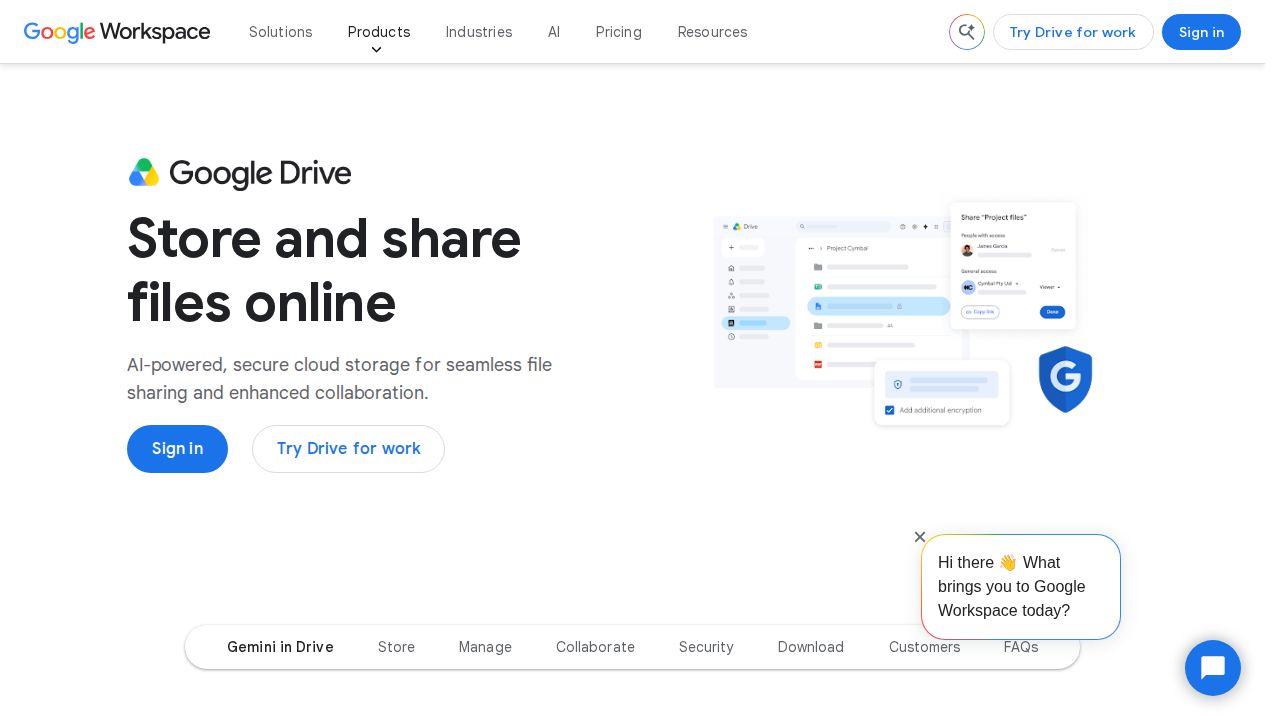
Best for the most free space Google gives every account up to 15 GB at no charge, the largest free allowance on this list. The catch is that the space is one pool shared by Google Drive, Gmail and Google Photos. When you outgrow it, Google One paid plans start at 100 GB.
What stands out
- Up to 15 GB free with every Google Account
- Works across Drive, Gmail and Google Photos
- Paid Google One plans start at 100 GB
- Paid storage can be shared with up to 5 other people
Keep in mind
- Gmail and Photos use the same 15 GB
- Google One prices did not load on the plans page when we checked
 Box
Best for free storage with e-signatures Box's free Individual plan includes 10 GB for one user, along with 5 Box Sign requests a month for getting documents signed. It works best for documents, not big videos, because each uploaded file is capped at 250 MB on the free plan.

What stands out
- 10 GB of free storage
- 5 Box Sign requests a month on the free plan
- Personal Pro raises the file size limit to 5 GB
Keep in mind
- Free plan caps each file at 250 MB
- Free plan keeps only 1 version per file
- Personal Pro costs $10 a month for just 100 GB
 pCloud
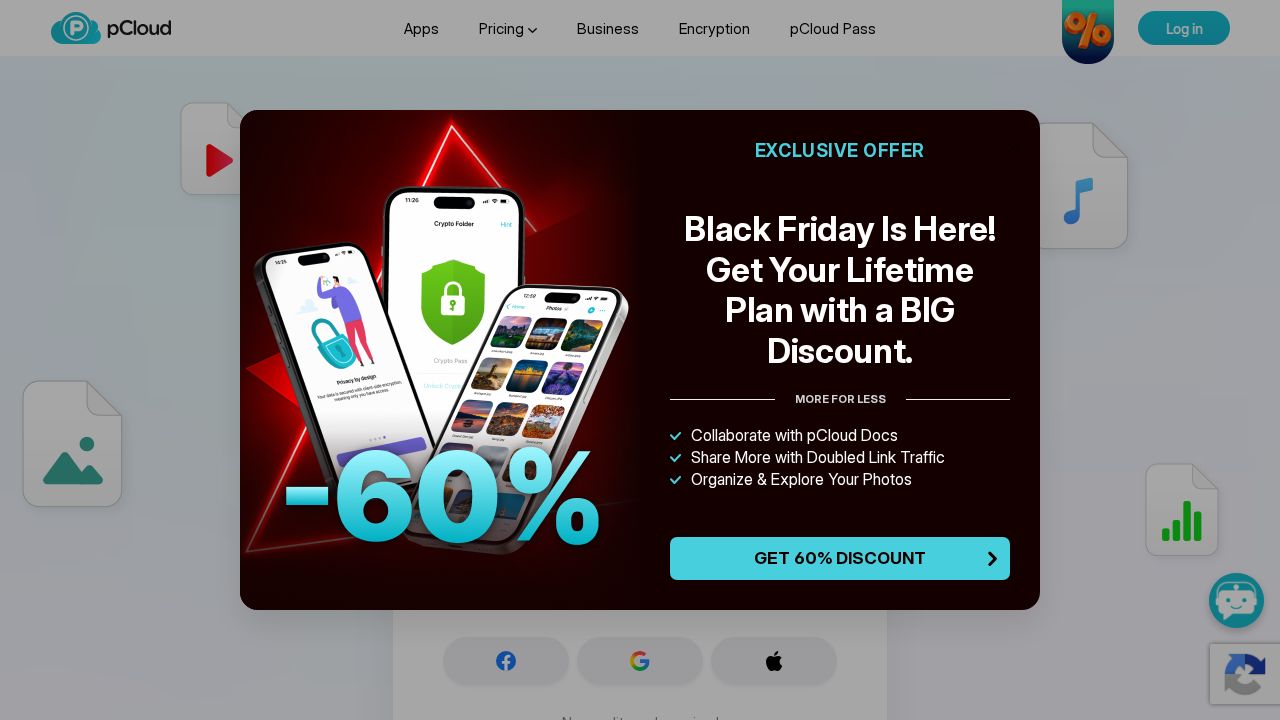
Best for free space with a lifetime upgrade path pCloud advertises up to 10 GB of free storage with no credit card required. If you later want more, it is the one service here that sells lifetime plans for a single payment, starting with 500 GB, in place of a monthly bill.
What stands out
- Up to 10 GB of free storage
- No credit card required to sign up
- Lifetime 500 GB plan for a one-time $159 when we checked
Keep in mind
- The page says 'up to' 10 GB and does not explain how the full amount is unlocked
- The lifetime price shown was labeled as a Black Friday sale
 Proton Drive
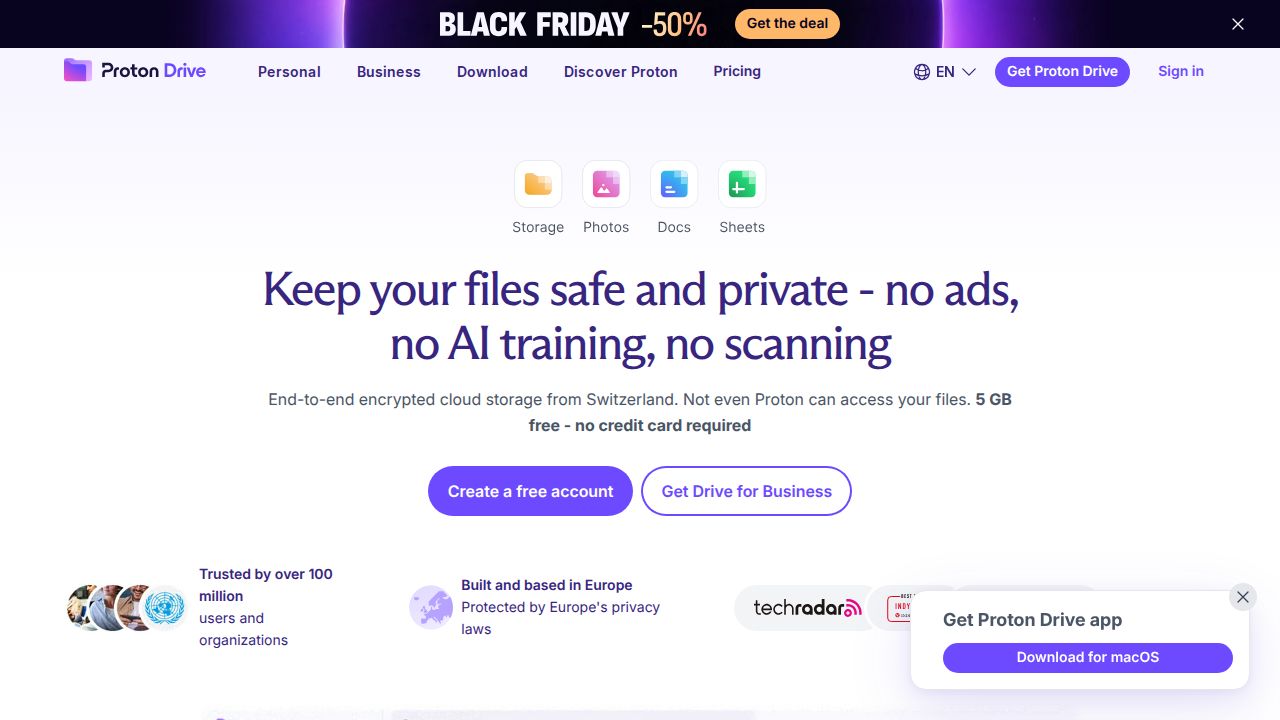
Best for private, encrypted free storage Proton Drive's free plan gives 5 GB protected by end-to-end encryption, and signing up needs no card. It also includes an online document and spreadsheet editor. The paid step up is large: Drive Plus has 200 GB, which is 40 times the free allowance.
What stands out
- 5 GB free with end-to-end encryption
- No credit card needed
- Online document and spreadsheet editor included
- Drive Plus upgrade gives 200 GB
Keep in mind
- Drive Plus is $29.88 for the first year, then $47.88 every 12 months
- 5 GB is a third of what Google offers
 Sync.com
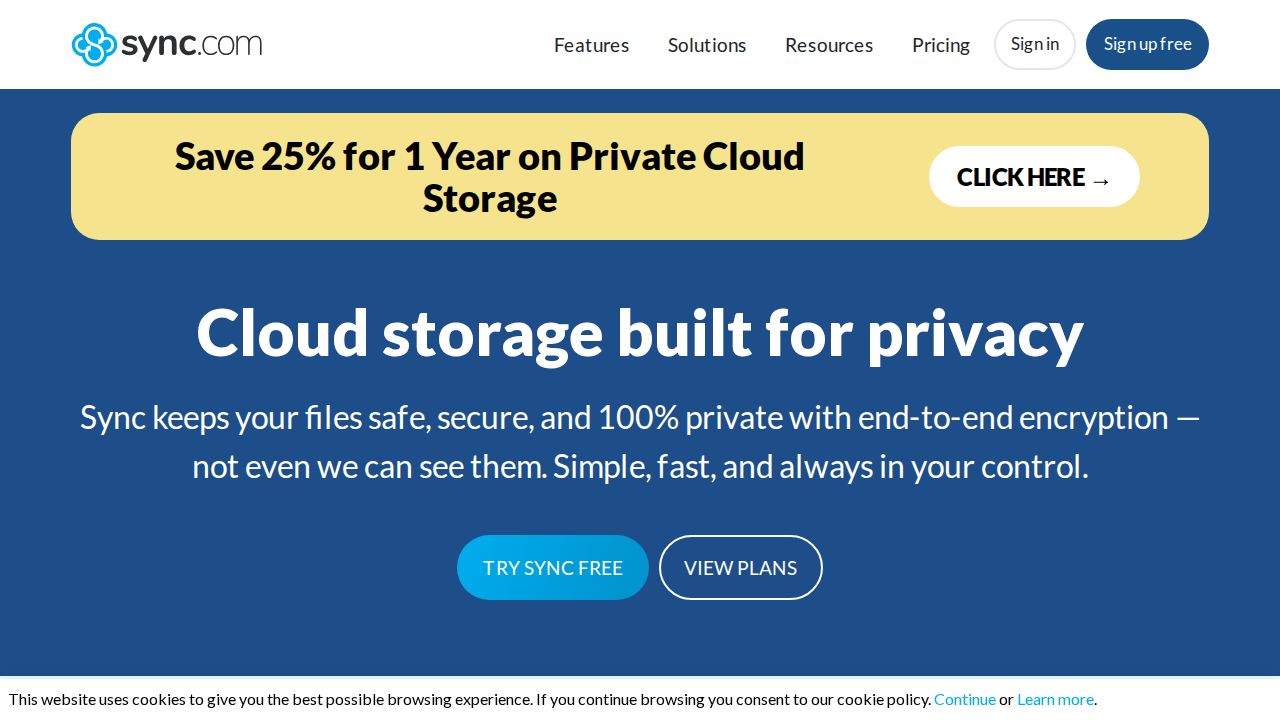
Best for encrypted free storage with file recovery Sync.com's free plan offers 5 GB with end-to-end encryption and syncing on up to 5 of your devices. Deleted files and earlier versions can be restored for 30 days, which is generous for a free tier. Sharing is limited to a few links and folders.
What stands out
- 5 GB free with end-to-end encryption
- Sync on up to 5 devices
- 30-day recovery of deleted files and previous versions
- Two-factor authentication included
Keep in mind
- Free plan allows 3 password-protected links and 3 shared folders
- Paid plans start at 1 TB, at $9 a month for the first year billed annually, then $12
 Microsoft OneDrive
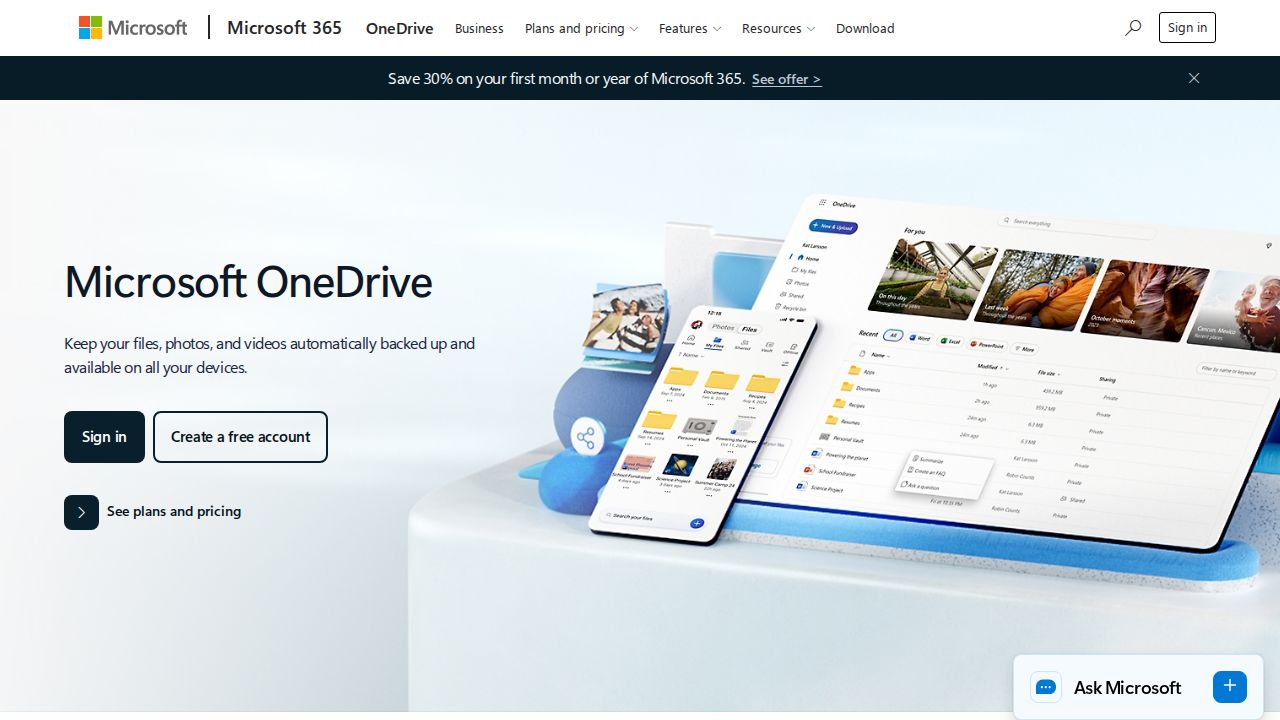
Best for windows users who may upgrade cheaply OneDrive's free plan includes 5 GB. Its real strength is the low-cost next step: Microsoft 365 Basic gives 100 GB for $1.99 a month or $19.99 a year, one of the cheapest upgrades among the services on this list.
What stands out
- 5 GB free
- 100 GB upgrade for $1.99 a month or $19.99 a year
- 1 TB with Office apps on Microsoft 365 Personal for $9.99 a month
Keep in mind
- 5 GB fills quickly with photos
- No tier between 100 GB and 1 TB
 iCloud
Best for apple device owners Every Apple user gets 5 GB of iCloud storage for free. That is rarely enough for device backups and photos together, but the first paid tier is the cheapest upgrade on this list: 50 GB of iCloud+ for $0.99 a month.
What stands out
- 5 GB free
- iCloud+ 50 GB costs $0.99 a month
- Paid plans add iCloud Private Relay and Hide My Email
- Paid plans can be shared with up to five other family members
Keep in mind
- 5 GB is small for phone backups plus photos
- Private Relay and Hide My Email need a paid plan
 Dropbox
Best for light use and simple file sharing Dropbox Basic is free and lets you store and share files, but it comes with only 2 GB, the smallest allowance here. It makes sense for passing a few documents between devices. The only personal upgrade is Plus, which jumps straight to 2 TB.
What stands out
- Free Basic plan for storing and sharing files
- Plus upgrade includes 2 TB and 30-day file restore
- Plus can send transfers of up to 50 GB
Keep in mind
- Only 2 GB free
- No small paid tier; the next step is 2 TB at $9.99 a month
How we chose
Every service here has a free plan that does not expire. We ranked them using each company’s published details on:
- Free space. The number of gigabytes you get without paying.
- Limits on the free plan. File size caps, sharing limits and what else uses the space.
- Privacy. Whether end-to-end encryption is included for free.
- Upgrade cost. The price of the first paid step, where published.
This list is based on published plans and pricing, not lab testing. Where a price was not shown on the day we checked, we say “See site” instead of guessing.
How far does free storage go?
- 2 GB holds documents and a few hundred photos. It is fine for moving files between devices.
- 5 GB covers documents and a small photo library, but not a full phone backup with years of pictures.
- 10 GB to 15 GB is enough for most people’s documents plus a few thousand photos, as long as you are not storing long videos.
Getting more out of a free plan
- Empty the trash. Deleted files can keep using space until the trash is cleared.
- Check what else shares the space. On Google, old email attachments count too.
- Store videos elsewhere. Video uses far more space than photos or documents.
- Watch file size caps. Box limits free uploads to 250 MB per file.
- Upgrade only when you keep hitting the limit. The smallest paid tiers cost a dollar or two a month.
Frequently asked questions
Which service gives the most free cloud storage?
Google, with up to 15 GB per account. Box gives 10 GB and pCloud offers up to 10 GB. The rest give 5 GB, except Dropbox at 2 GB.
Is free cloud storage safe?
These are established providers. If privacy is your priority, Proton Drive and Sync.com both include end-to-end encryption on their free plans.
Does Gmail count against Google's free 15 GB?
Yes. Google states that the free storage is shared across Google Drive, Gmail and Google Photos.
Can I use more than one free plan?
Yes. Nothing stops you from keeping documents in one service and photos in another. The trade-off is more apps and logins to keep track of.
What is the cheapest way to get more space?
iCloud+ offers 50 GB for $0.99 a month and Microsoft 365 Basic offers 100 GB for $1.99 a month. Proton Drive Plus is $2.49 a month for 200 GB in the first year.
Sources
How we wrote this
This list is based on each company's published plans, prices and feature pages, not on hands-on lab testing. Facts were last checked on November 17, 2026. See our editorial policy.