No company paid to be on this list. Prices were checked on November 17, 2026 and can change. How we make money.
At a glance
| # | Product | Best for | Starting price | Free option |
|---|---|---|---|---|
| 1 | Unlimited passwords on unlimited devices | $1.65/mo | Free plan | |
| 2 | Free email aliases and unlimited devices | $1.99/mo | Free plan (2 vaults, 10 aliases) | |
| 3 | Offline storage with no account | Free | Free (open source) | |
| 4 | A simple free vault on one device | See site | Free plan (one device at a time) | |
| 5 | Form filling on a single device | $2.49/mo | Free plan (single device) | |
| 6 | A free plan with dark web monitoring | See site | Free plan (one device type) |
The list
 Bitwarden
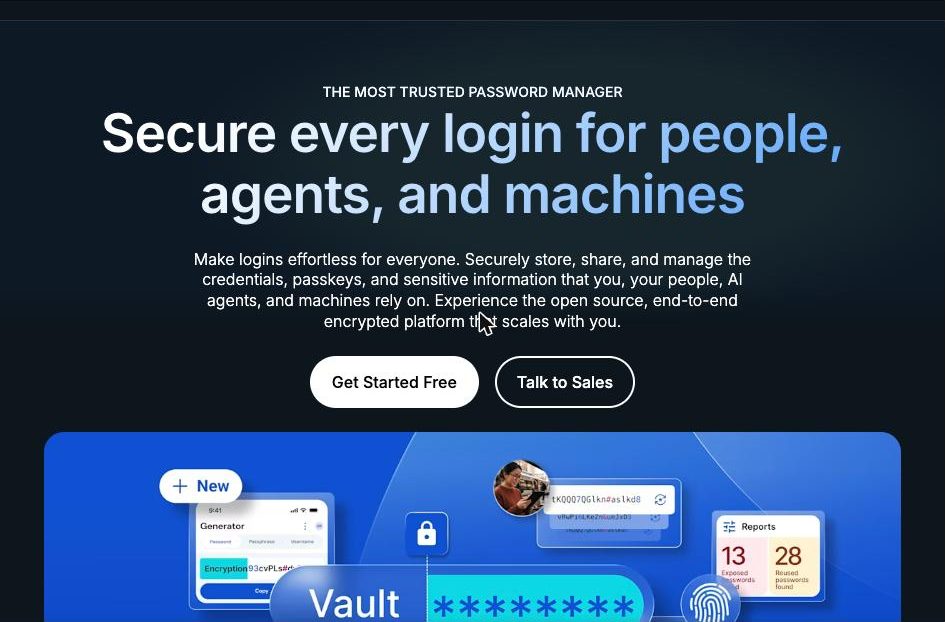
Best for unlimited passwords on unlimited devices Bitwarden has the least restricted free plan on this list. It covers unlimited passwords and unlimited devices, with browser, mobile and desktop apps, passkey support and sharing with one other user. The code is open source, and the paid upgrade is cheap if you later want more.
What stands out
- Free plan includes unlimited passwords and unlimited devices
- Free plan supports passkeys and sharing with one other user
- Open source, with browser, mobile and desktop apps
- Premium is $1.65 a month, billed annually at $19.80
Keep in mind
- Built-in authenticator, vault health reports and emergency access need Premium
- Encrypted file attachments (5 GB) are a Premium feature
 Proton Pass
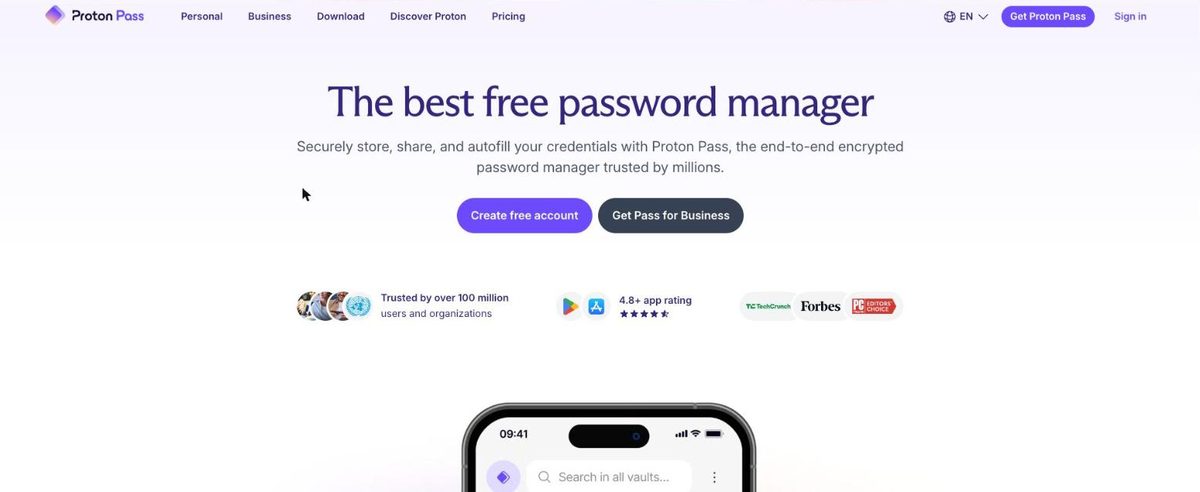
Best for free email aliases and unlimited devices Proton Pass gives free users unlimited logins, notes and cards on unlimited devices, and it needs no credit card. The standout is 10 hide-my-email aliases, which keep your real address off sign-up forms. The main free limits are 2 vaults and no built-in two-factor codes.
What stands out
- Free plan covers unlimited logins on unlimited devices
- 10 hide-my-email aliases included for free
- Free plan includes passkey support and weak or reused password alerts
- Free vaults can be shared with 2 other people
Keep in mind
- Free plan is limited to 2 vaults and has no integrated 2FA or Dark Web Monitoring
- Pass Plus is $23.88 for the first 12 months, then renews at $35.88 a year
 KeePassXC
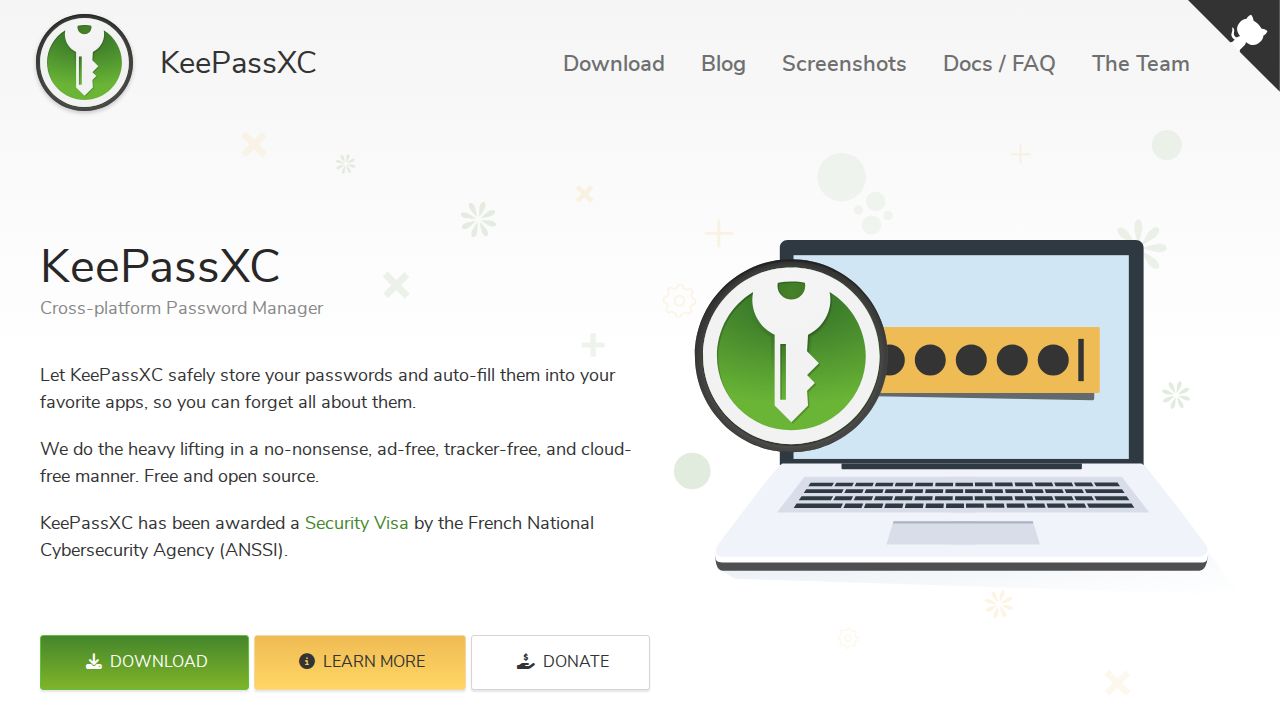
Best for offline storage with no account KeePassXC is free software with no paid tier at all. It runs on Windows, macOS and Linux and saves your passwords in an encrypted file on your own computer, so nothing is sent to a company server. It suits people who are comfortable managing that file themselves.
What stands out
- Free and open source under the GPLv3 license
- Vault is an offline encrypted file that you control
- Runs on Windows, macOS and Linux
- Supports passkeys and auto-typing passwords into apps
Keep in mind
- No built-in cloud sync; you move or sync the vault file yourself
- The project site lists no mobile apps of its own
 NordPass
Best for a simple free vault on one device NordPass keeps its free plan basic. You get autosave, autofill and secure storage for one user account with no end date, but access on multiple devices is reserved for Premium. It is a reasonable pick if you mostly use a single phone or computer.
What stands out
- Free plan includes autosave, autofill and secure storage
- Free plan does not expire
- Premium adds multi-device access, Password Health and a Data Breach Scanner
Keep in mind
- Multi-device access is not included in the free plan
- Paid prices did not load on the plans page when we checked, so confirm the current rate there
 RoboForm
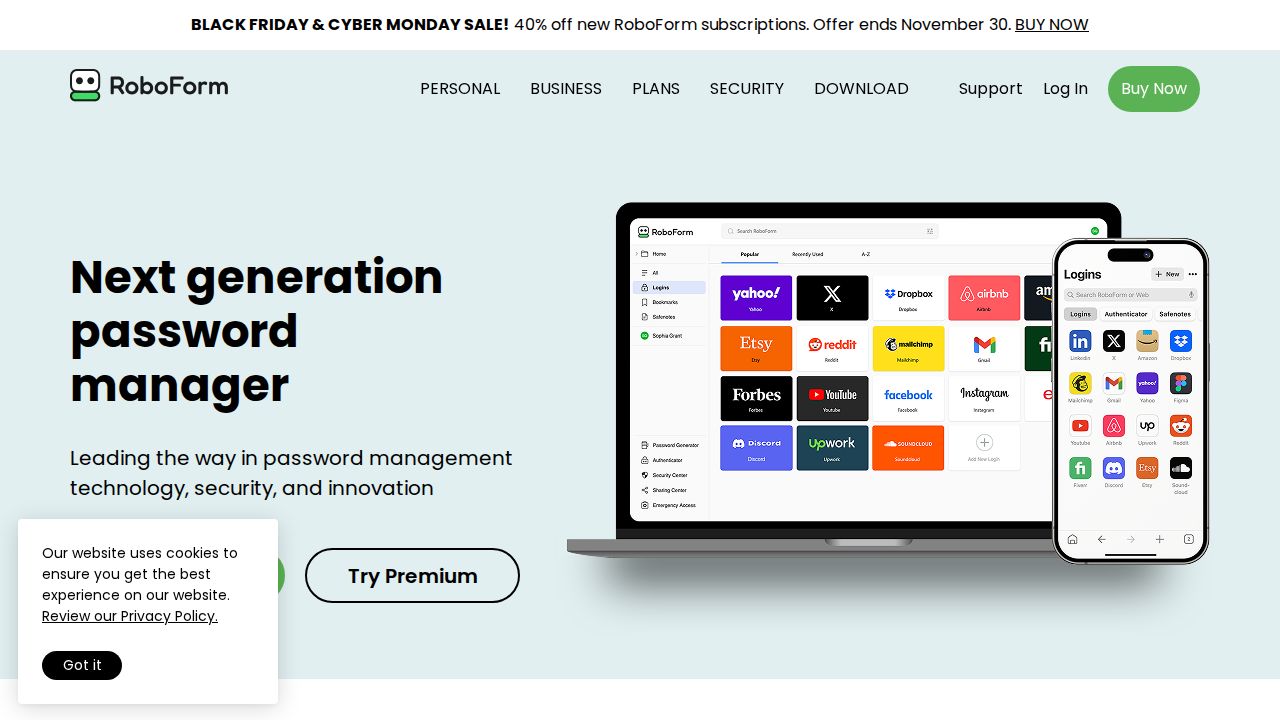
Best for form filling on a single device RoboForm's free plan stores unlimited passwords on a single device and includes more than most single-device plans: form filling, a password generator, a compromised password scan and a built-in authenticator for two-factor codes. Access on all devices and on the web needs Premium.
What stands out
- Free plan stores unlimited passwords on a single device
- Free plan includes form filling and a built-in TOTP authenticator
- Free plan includes a compromised password scan and secure cloud backup
- Premium is $2.49 a month, billed annually, with a 30-day money-back guarantee
Keep in mind
- Access on all devices and web access need Premium
- No emergency access or secure shared folders on the free plan
 LastPass
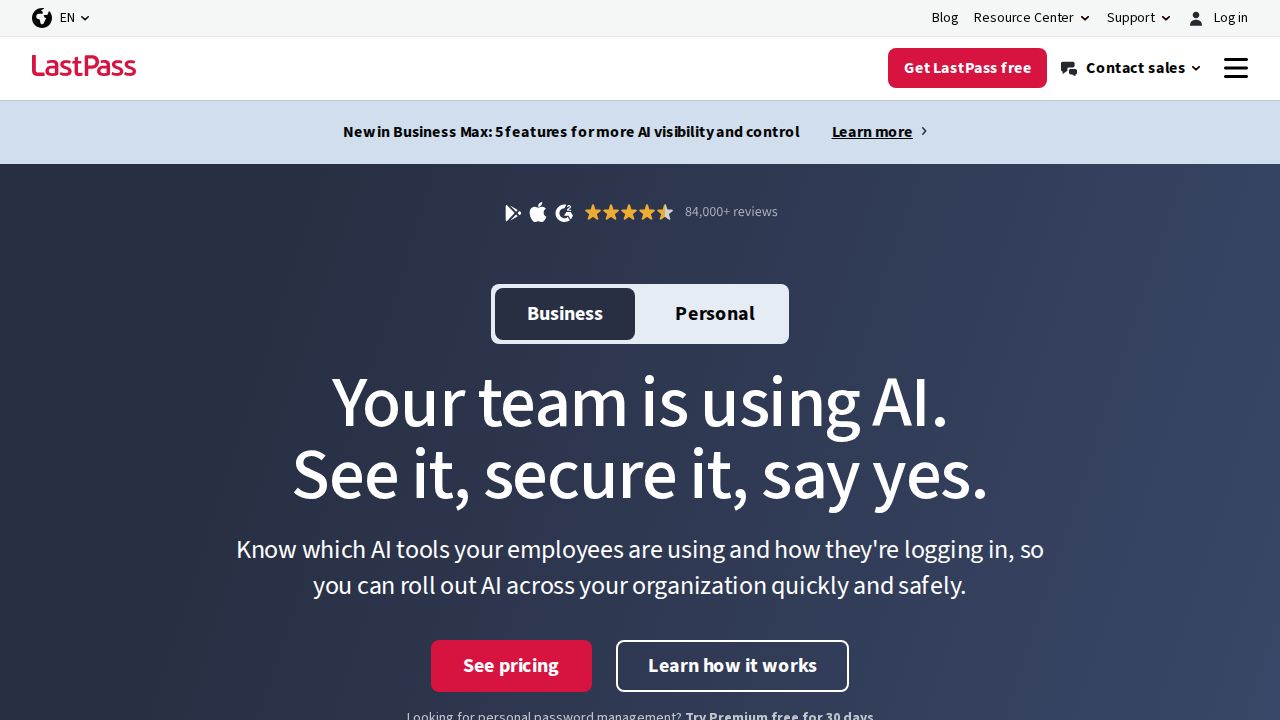
Best for a free plan with dark web monitoring LastPass Free stores unlimited passwords and includes autofill and dark web monitoring, which most free plans skip. The catch is the device type rule: you choose either computers or mobile devices, not both. New accounts also start with a 30-day Premium trial.
What stands out
- Free plan includes unlimited passwords and autofill
- Dark web monitoring is listed on the free plan
- Free accounts include a 30-day Premium trial
Keep in mind
- Free plan is limited to one device type, desktop or mobile
- Free sharing is limited to one password with one person at a time, and there is no emergency access
- Paid prices did not load on the pricing page when we checked
How we chose
Every product here has a free plan that does not expire, not just a trial. We compared the published free plans on four things:
- Device limits. Can you use the free vault on every device, one device, or one type of device?
- Password limits. All six store unlimited passwords for free.
- What is held back. Authenticator codes, breach monitoring, emergency access and sharing are the usual paid extras.
- Upgrade cost. The price of the cheapest paid plan, where the company publishes it.
This list is based on each company’s published plans, not lab testing. Where a pricing page did not show a fixed price on the day we checked, we say “See site” instead of guessing.
Which free plan fits you?
- You use a phone and a computer: pick Bitwarden or Proton Pass. They are the only two here that sync a free vault across unlimited devices.
- You want to hide your email address: Proton Pass includes 10 aliases for free.
- You do not want a cloud account: KeePassXC keeps everything in a local file.
- You use one device only: NordPass and RoboForm both work, and RoboForm adds a free authenticator.
- You want breach alerts for free: LastPass lists dark web monitoring on its free plan, on one device type.
When a free plan stops being enough
Consider paying when you need one of these:
- A plan for several people in one household.
- Emergency access for a trusted person.
- Built-in two-factor codes in the same app (on Bitwarden or Proton Pass).
- Encrypted file attachments.
Before you pay, check whether the listed price is a first-year rate. Proton Pass Plus, for example, costs more when it renews.
Frequently asked questions
Which free password manager works on all my devices?
Bitwarden and Proton Pass. Both publish free plans with unlimited passwords on unlimited devices. NordPass and RoboForm limit free use to a single device, and LastPass limits it to one device type.
Are free password managers safe?
The ones on this list come from established companies or long-running open source projects. Bitwarden and KeePassXC are open source, and Bitwarden and Proton Pass describe their vaults as encrypted so the company cannot read them.
What do free plans usually leave out?
Common gaps are emergency access, breach or dark web monitoring, file attachments and, on some services, access from more than one device. Bitwarden and Proton Pass also keep their built-in authenticator for paid plans.
Is KeePassXC really free?
Yes. KeePassXC is open source software under the GPLv3 license and has no paid tier. It stores your vault in a local encrypted file instead of a cloud account.
How much does it cost to upgrade later?
Bitwarden Premium is $1.65 a month billed annually, Proton Pass Plus is $1.99 a month for the first 12 months, and RoboForm Premium is $2.49 a month billed annually. NordPass and LastPass prices were not shown when we checked.
Sources
How we wrote this
This list is based on each company's published plans, prices and feature pages, not on hands-on lab testing. Facts were last checked on November 17, 2026. See our editorial policy.