No company paid to be on this list. Prices were checked on November 17, 2026 and can change. How we make money.
At a glance
| # | Product | Best for | Starting price | Free option |
|---|---|---|---|---|
| 1 | A free plan with no device limit | $1.65/mo | Free plan | |
| 2 | Families who want a polished paid app | $2.99/mo | 14-day trial | |
| 3 | Privacy and email aliases | $1.99/mo | Free plan | |
| 4 | A simple app with breach scanning | See site | Free plan (one device at a time) | |
| 5 | Extras such as a VPN | See site | 14-day trial | |
| 6 | Secure sharing in a household | See site | 30-day trial |
The list
 Bitwarden
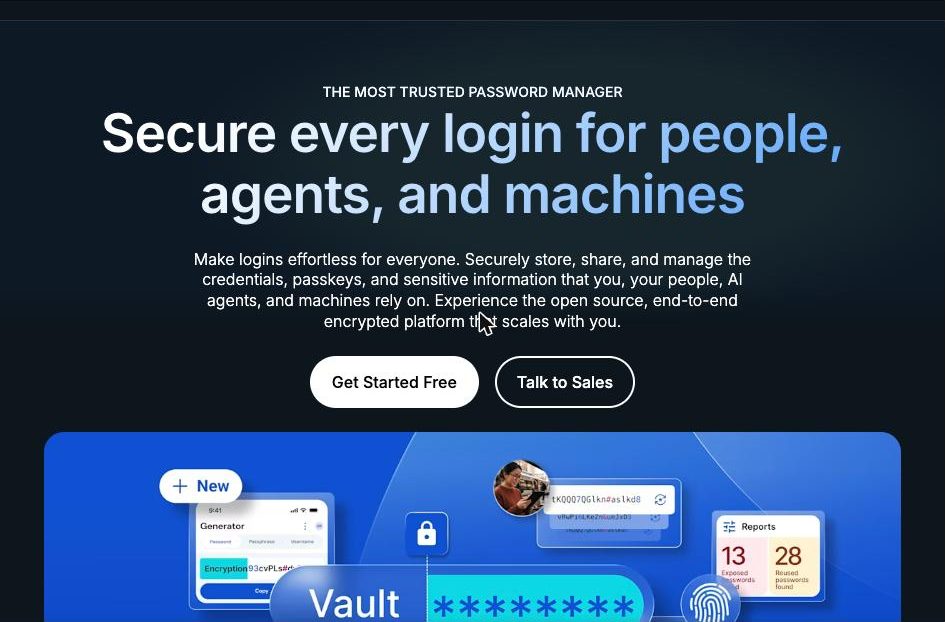
Best for a free plan with no device limit Bitwarden is the easiest recommendation for most people because the free plan is not a teaser. It stores unlimited passwords and syncs across unlimited devices, and the code is open source. Premium is one of the cheapest upgrades on this list at $19.80 a year.
What stands out
- Free plan with unlimited passwords and unlimited devices
- Premium costs $1.65 a month, billed annually at $19.80
- Families plan covers up to 6 users for $3.99 a month, billed annually
- Premium adds a built-in authenticator, 5 GB of encrypted attachments and emergency access
Keep in mind
- The built-in authenticator and vault health reports need Premium
- Prices shown do not include tax
 1Password
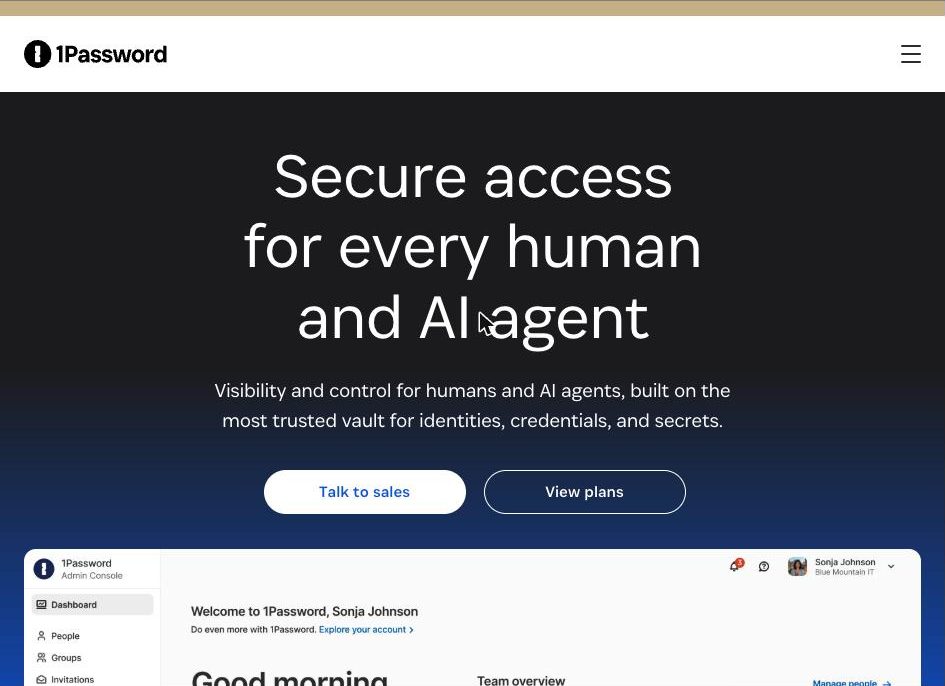
Best for families who want a polished paid app 1Password has no free plan, so it only makes sense if you are happy to pay. In return you get Watchtower alerts for weak or compromised passwords, passkey support and a Families plan that is simple to share with a household.
What stands out
- Watchtower flags weak and compromised passwords
- Saves and signs in with passkeys
- Families plan from $4.49 a month, paid annually
- 14-day free trial on both plans
Keep in mind
- No free plan
- The $2.99 and $4.49 prices are first-year promotional rates for new customers; the regular rates are $3.99 and $5.99
 Proton Pass
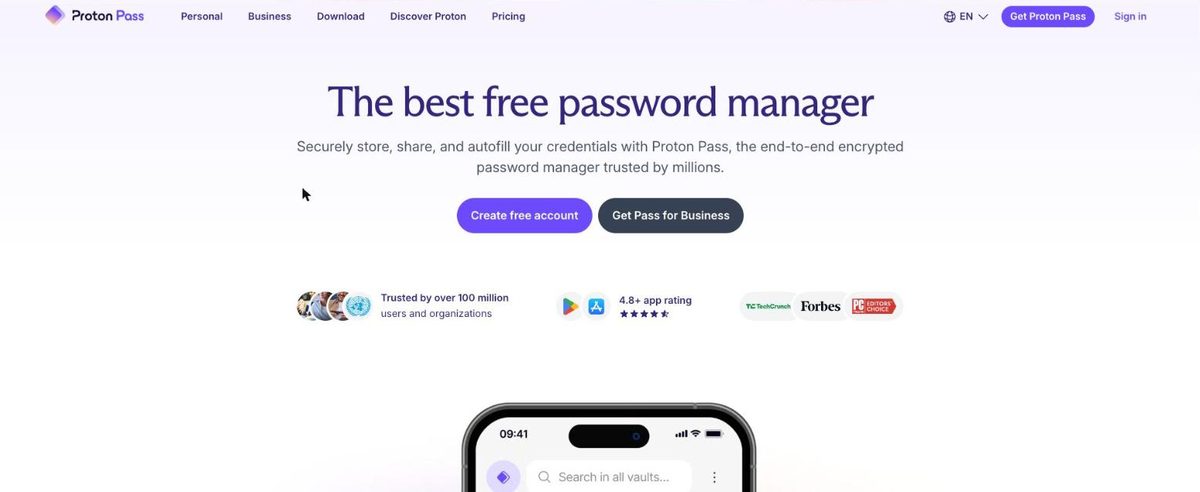
Best for privacy and email aliases Proton Pass stands out for hide-my-email aliases, which let you sign up for services without giving out your real address. The free plan is generous, with unlimited logins on unlimited devices and 10 aliases. Pass Plus removes the alias limit and adds an authenticator and Dark Web Monitoring.
What stands out
- Free plan includes unlimited logins, unlimited devices and 10 email aliases
- Pass Plus adds unlimited aliases, a built-in 2FA authenticator and Dark Web Monitoring
- Pass Family covers up to 6 users
- Emergency access on paid plans
Keep in mind
- Pass Plus is $23.88 for the first 12 months, then renews at $35.88 a year
- Free plan is limited to 2 vaults
 NordPass
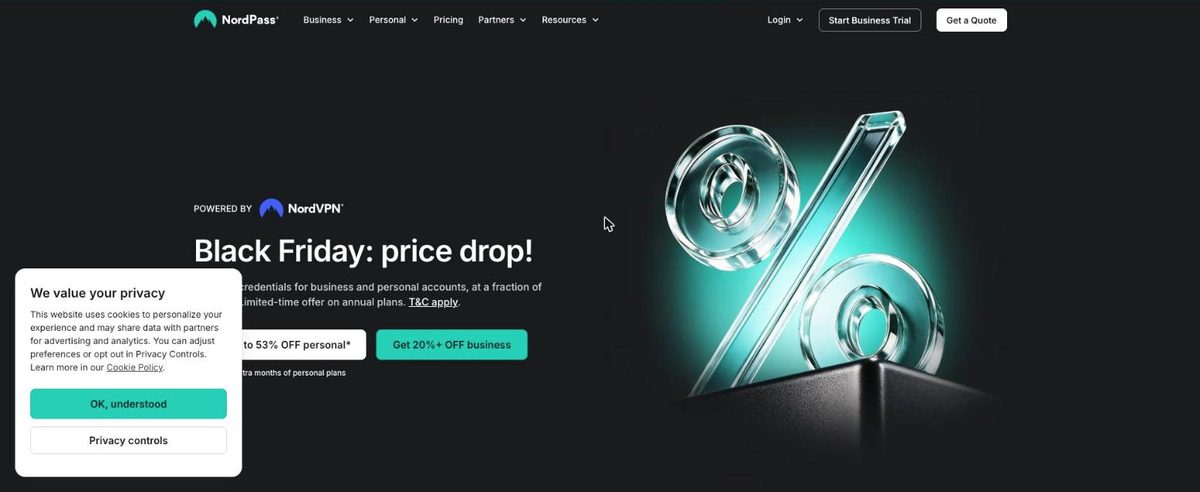
Best for a simple app with breach scanning NordPass keeps things simple. The free plan covers autosave, autofill and secure storage, but only on a single device at a time. Premium unlocks multiple devices and adds Password Health and a Data Breach Scanner.
What stands out
- Free plan includes autosave, autofill and secure storage
- Premium adds Password Health and a Data Breach Scanner
- Family plan includes 6 user accounts
- File attachments on paid plans
Keep in mind
- Free plan works on a single device at a time
- Pricing is promotional and changes often, so check the plans page for the current rate
 Dashlane
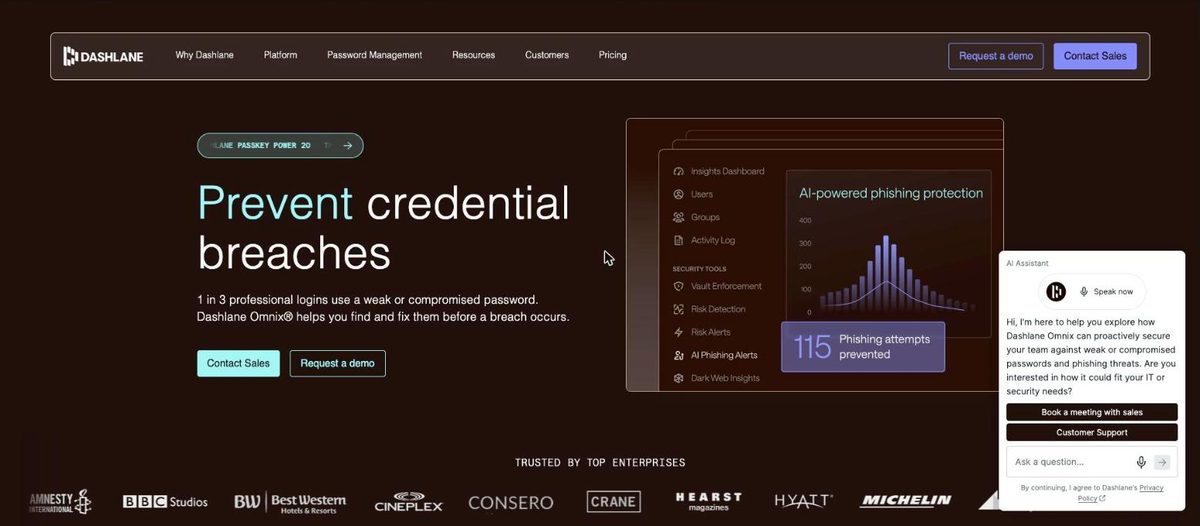
Best for extras such as a VPN Dashlane bundles more than password storage. Premium lists phishing protection, breach alerts, secure sharing and a VPN. There is no free plan on its personal pricing page, so use the 14-day trial to decide whether the extras are worth paying for.
What stands out
- Premium includes a VPN
- Phishing protection and breach alerts
- Friends & Family plan covers up to 10 members
- 14-day free trial of Premium
Keep in mind
- No free plan listed
- Plans are billed annually; check the pricing page for the current rate
 Keeper
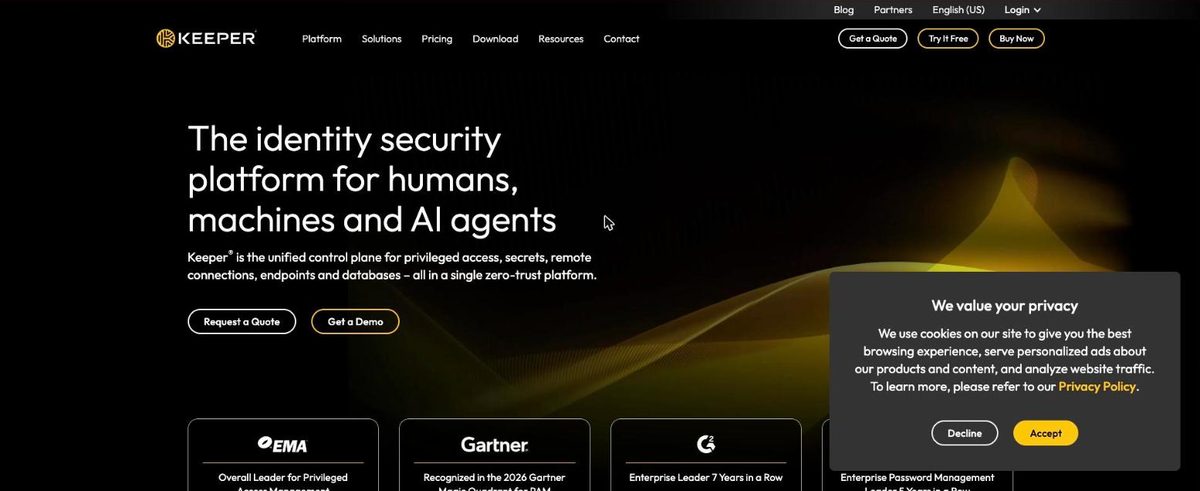
Best for secure sharing in a household Keeper is a strong fit when several people need to share logins safely. The Family plan gives up to 5 users a private vault each, with shared folders, emergency access and 10 GB of secure file storage.
What stands out
- Unlimited passwords, devices and sync on the Personal plan
- Family plan includes up to 5 private vaults and 10 GB of secure file storage
- Emergency access on the Family plan
- 24/7 customer support
Keep in mind
- No free-forever plan, only a 30-day trial
- BreachWatch dark web monitoring is a paid add-on
How we chose
We compared each company’s published personal plans on four things:
- Free plan limits. Does the free plan sync across all your devices, or lock you to one?
- Price after the first year. Introductory discounts are common, so we note where the renewal price is higher.
- Security extras. Built-in authenticator, breach or dark web monitoring, and emergency access.
- Family sharing. How many people a household plan covers.
We did not run lab tests on these apps. Where a company’s pricing page did not show a fixed price on the day we checked, we say “See site” instead of guessing.
Free or paid: which do you need?
A free plan is enough if you only want to store and autofill passwords on your own devices. Bitwarden and Proton Pass both do that without a device limit.
Pay for a plan when you want one or more of these:
- A built-in authenticator for two-factor codes
- Alerts when your details show up in a data breach
- Emergency access for a trusted person
- A shared plan for your household
How to switch password managers
- Export your passwords from your current manager or browser as a CSV file.
- Import that file into the new manager.
- Check that a few important logins work.
- Delete the exported CSV file, because it is not encrypted.
- Turn off password saving in your browser so you do not end up with two sets.
Frequently asked questions
Are free password managers safe to use?
Yes, if you pick an established one. Bitwarden and Proton Pass both offer free plans with unlimited passwords on unlimited devices. Free plans usually leave out extras such as a built-in authenticator, breach monitoring or emergency access.
Which password manager is best for a family?
It depends on household size. Bitwarden Families and Proton Pass Family cover up to 6 users, NordPass Family includes 6 accounts, Keeper Family covers up to 5 users, and Dashlane Friends & Family covers up to 10 members.
Is the password manager built into my browser enough?
It is better than reusing passwords. A dedicated manager works across every browser and device you own and adds features such as secure sharing, breach alerts and emergency access.
Do these prices stay the same after the first year?
Not always. 1Password's listed prices are first-year promotional rates, and Proton Pass Plus renews at a higher yearly price after the first 12 months. Check the renewal price before you subscribe.
Sources
How we wrote this
This list is based on each company's published plans, prices and feature pages, not on hands-on lab testing. Facts were last checked on November 17, 2026. See our editorial policy.